19
How to Allocate DAWs to the DAW buttons in the iMAP
Note: MIDI port 4 is used by the iCON Pro Audio software, iMAP(TM), to change the
three DAWs you use, to update rmware and to program the 24 panel touchscreen
with the functions of your choice.
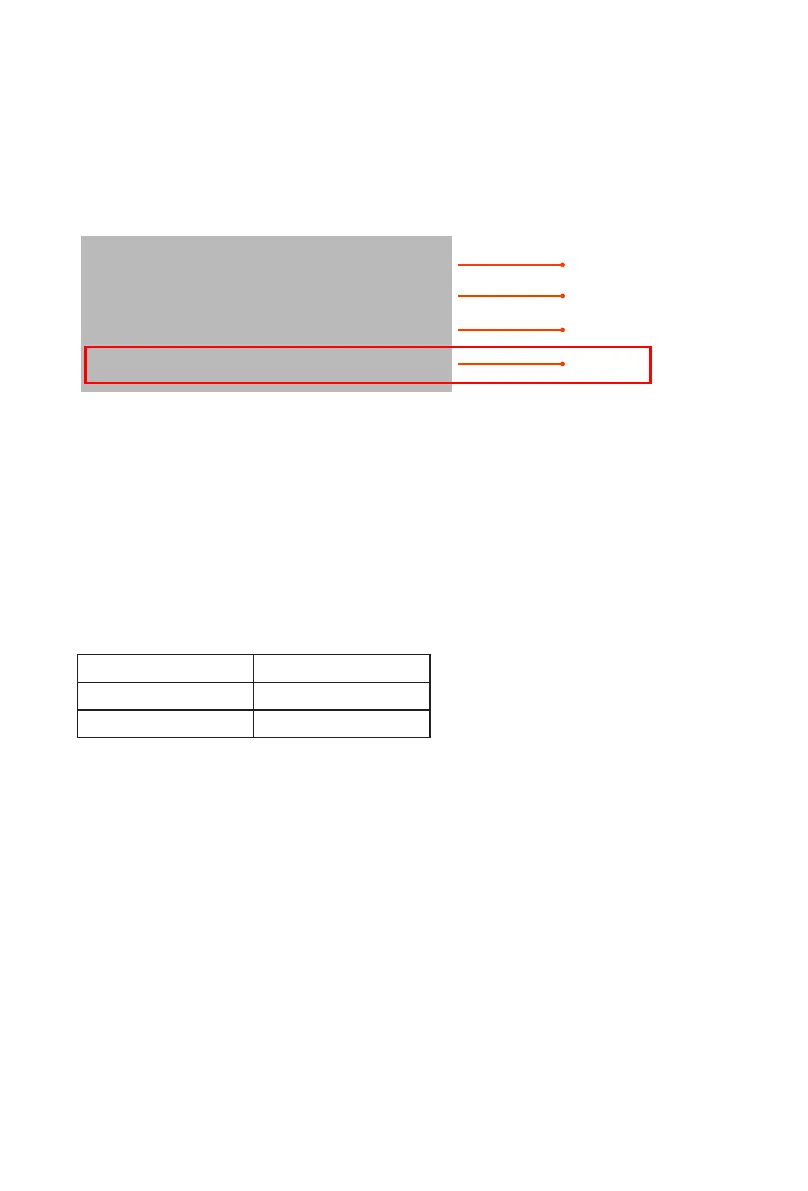
These four options will appear as a menu from which you can select your chosen
DAW when you are conguring your DAW.
So, remembering our examples of;
DAW #1 Bitwig
DAW #2 Cubase
DAW #3 Logic
We know that we need to select 'V1-M v1.01' (or whichever rmware version it is*),
in Bitwig because that is the DAW we have chosen to be DAW #1. When you press
DAW #1 on the unit, the V1-M will automatically go into Bitwig mode.
In our example, Cubase is our second DAW, so when we are conguring our DAW
to work with the V1-M, we will need to select 'MIDIIN2 (V1-M V1.01)' or whichever
rmware version it is*) in the menu. When the V1-M is set up as a Mackie control
device in Cubase, whenever we press '2' in the DAW Controller selection section,
the V1-M will automatically select Cubase.
The same applies for Logic, although this time we are going to select 'MIDIIN3 (V1-M
V1.01)' (or whichever rmware version it is*) and use button '3' in the DAW controller
selection area to automatically select this DAW.
*rmware versions are updated over time
Now that we have allocated our 3 DAWs within the iMAP, we will need to congure
our DAWs so that the V1-M recognizes them and the DAW/s recognize the V1-M.
This is how it works;
Setting up the V1-M in the DAWs
iCON V1-M V1.01 DAW #1
DAW #2
DAW #3
IMAP
MIDIIN2(iCON V1-M V1.01)
MIDIIN3(iCON V1-M V1.01)
MIDIIN4(iCON V1-M V1.01)
x


 To Next Page