48
Copyright © 2005 ICS, Blount Inc.
633GC SHOP MANUAL
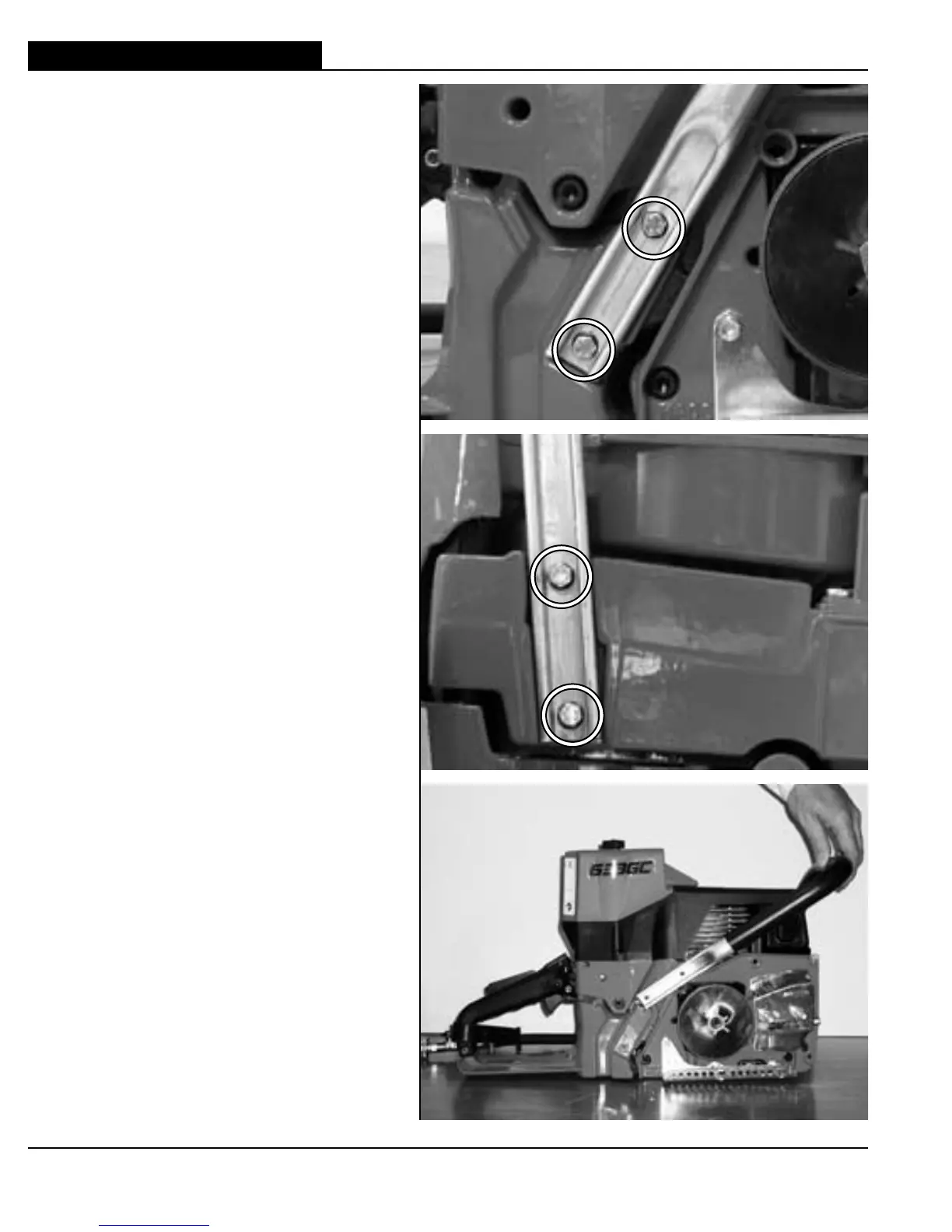
18 This section covers the removal,
inspection, and installation of
the front handle.
18.1 Remove front handle screws on right
side.
18.2 Remove front handle screws on
bottom.
18.3 Install front handle.
A Roll front handle into place.
B Install front handle screws (4).
C Use blue Loctite
®
.
D Torque to 43 in-lbs. (4.9 Nm).
18. FRONT HANDLE



 To Next Page