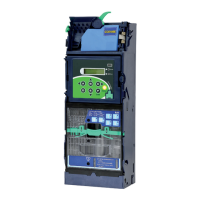
Need help?
Do you have a question about the ICT CC6100 Series and is the answer not in the manual?
Lists the items included in the product package, such as wire harnesses and the quick start guide.
Step-by-step guide for physically mounting the coin changer into a vending machine.
Instructions on how to properly refill the coin tubes within the changer.
Verification steps to ensure correct physical installation and alignment.
Checks to perform after installation to ensure the device is ready for operation.
Wiring diagrams and cable specifications for JPSTD and MDB interface models.
Wiring diagrams and cable specifications for Executive and MDB interface models.
Overview of the LCM module's main menu options and their functions.
Detailed list of configuration options and their descriptions available through the LCM.
Specific configuration options for the Executive interface model.
Configuration of DIP switches for JPSTD and MDB interface models.
Configuration of DIP switches for the Executive interface model.
Configuration of DIP switches for the CC6100SA model.
 General
| Brand | ICT |
|---|---|
| Model | CC6100 Series |
| Category | Cash Counters & Coin Sorters |
| Language | English |

 To Next Page