Secondary Reader Connections
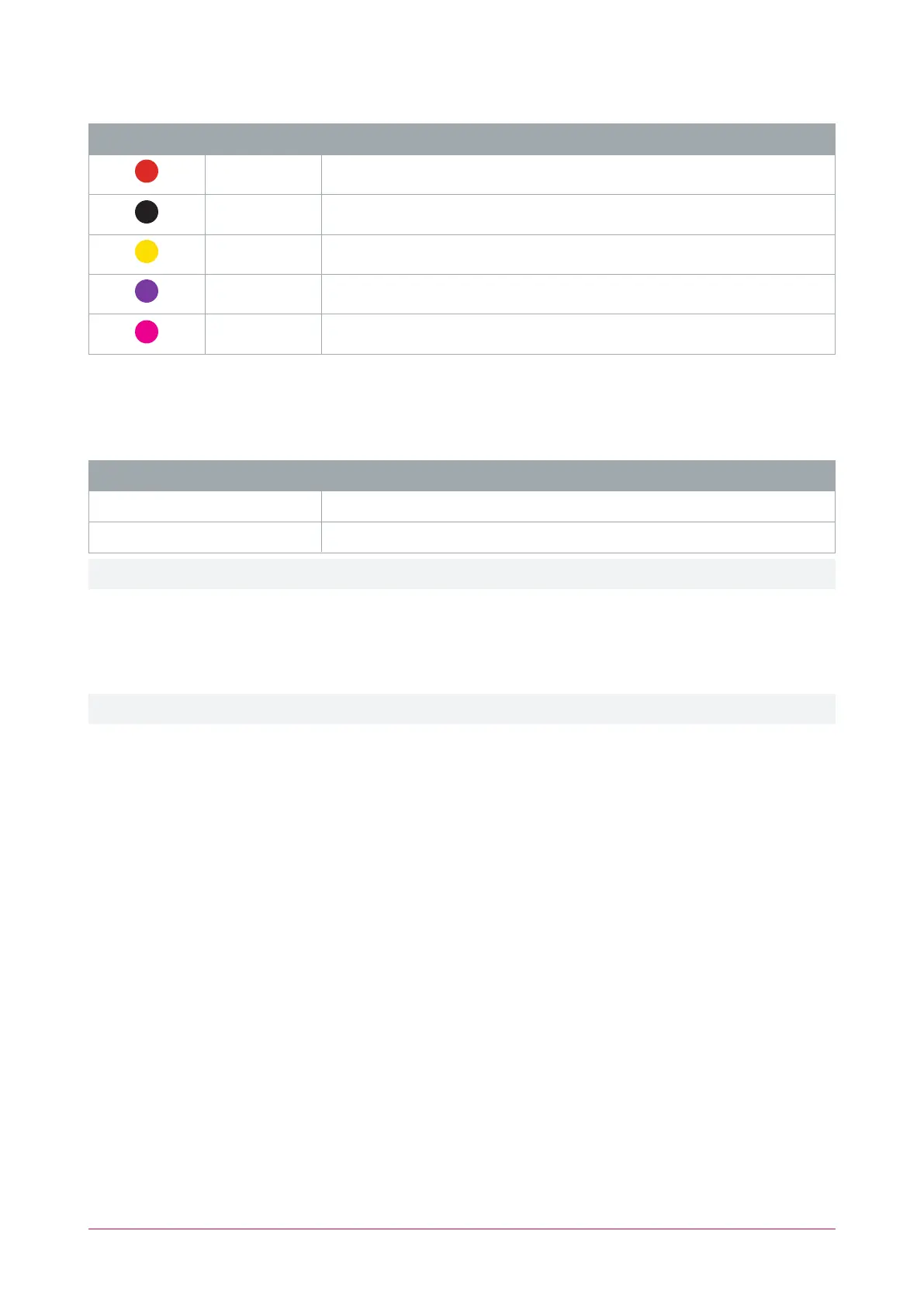
Color Wire Connection
Red Join to primary reader red wire ( 12VDC positive)
Black Join to primary reader black wire ( 12VDC negative)
Yellow Join to primary reader yellow wire (RS-485 A)
Violet Join to primary reader violet wire (RS-485 B)
Shield Join the shield (drain) wires together. Frame grounded at one point only
RS-485Reader Location
As two RS-485 readers can be connected to the same RS-485 reader port, the reader address uniquely identifies
each reader, and determines which is the entry reader and which is the exit reader.
Configuration Location
Reader address = 0 Entry
Reader address = 1 Exit
All readers are configured as an entry reader by default, unless programmed otherwise.
The address of TSL card readers can be programmed using a mobile device running the Protege Config App. The
ConfigApp Reader Configuration will need a config with the Reader Address TLV selected, with the address set
as required for the reader's location.
For programming information, see the ICT Card Reader Configuration Guide, available from the ICT website.
The address and addressing options of TSL card readers is not determined by the reader's wiring configuration.
TSL Multi-Technology Card Reader | Installation Manual 24



 To Next Page