EasyManua.ls Logo

iDiPOS WP85 - Power Supply Connections

Default Icon
51 pages
Print Icon
To Next Page IconTo Next Page
To Previous Page IconTo Previous Page
Loading...
1. Align a DIMM on the slot such that the notch on the DIMM matches the break on the slot.
2. Insert the DIMM firmly into the slot until the retaining clips snap back in place and the
DIMM is properly seated.
Memory Capacity
DIMM Socket Location
DDR3 Module
Total Memory Size
DIMMA1
512MB/1GB/2GB/4GB
Max is 8GB
DIMMB1
512MB/1GB/2GB/4GB
2.4 Power Supply
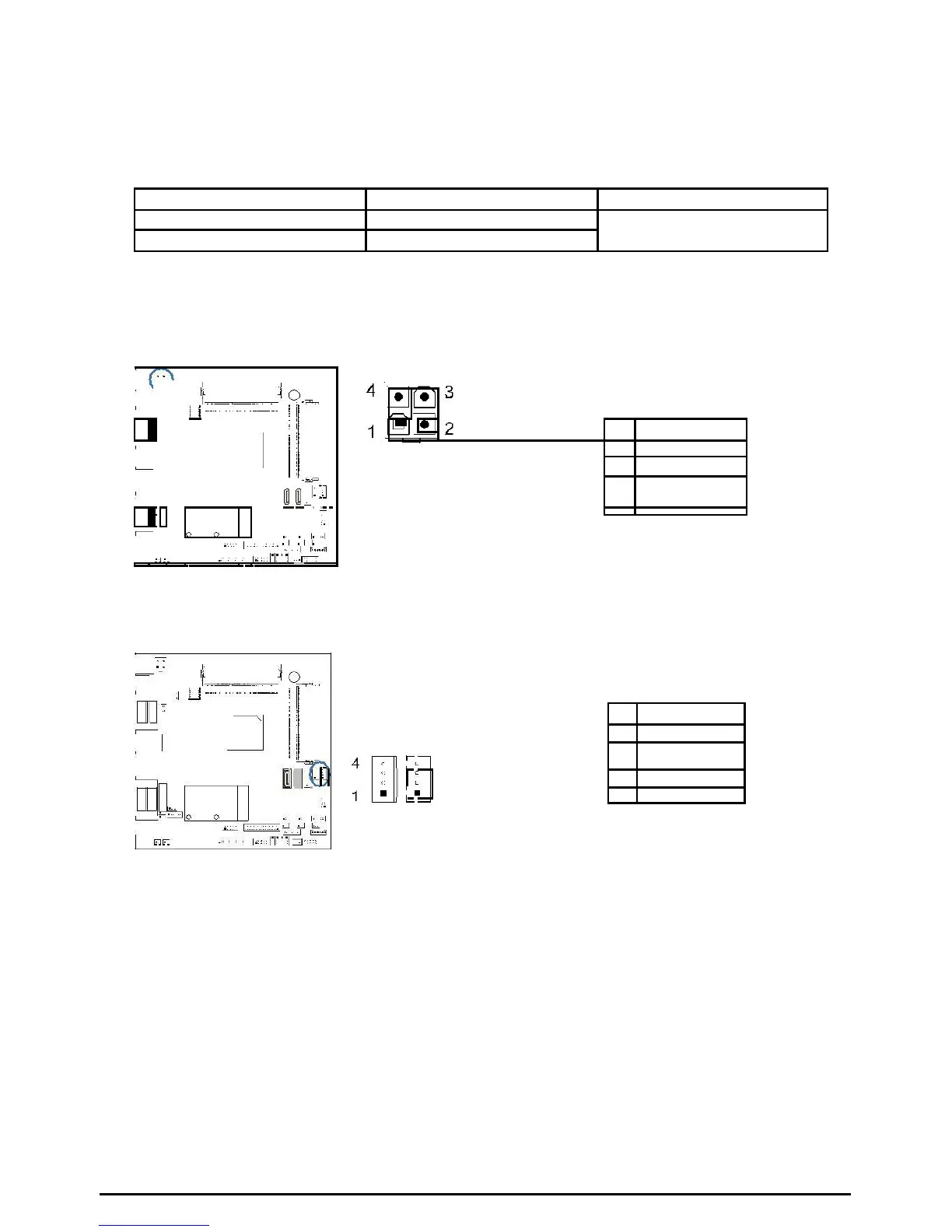
JPWR1: ATX Power Source Connector (4-pin)
This connector provides or +12V input to system power circuit.
Pin
Assignment
1
+12V in
2
+12V in
3
Ground
4
JHDD1/JHDD2: HDD Power Connector
This connector provides power connection of SATA devices.
Pin
Assignment
JHDD1
1
+12V output
2
GND
3
GND
4
+5V output
JHDD2
10 | Chapter 2: Hardware installation