BIBD-ICP User’s Manual
2.6 Expansion Slots
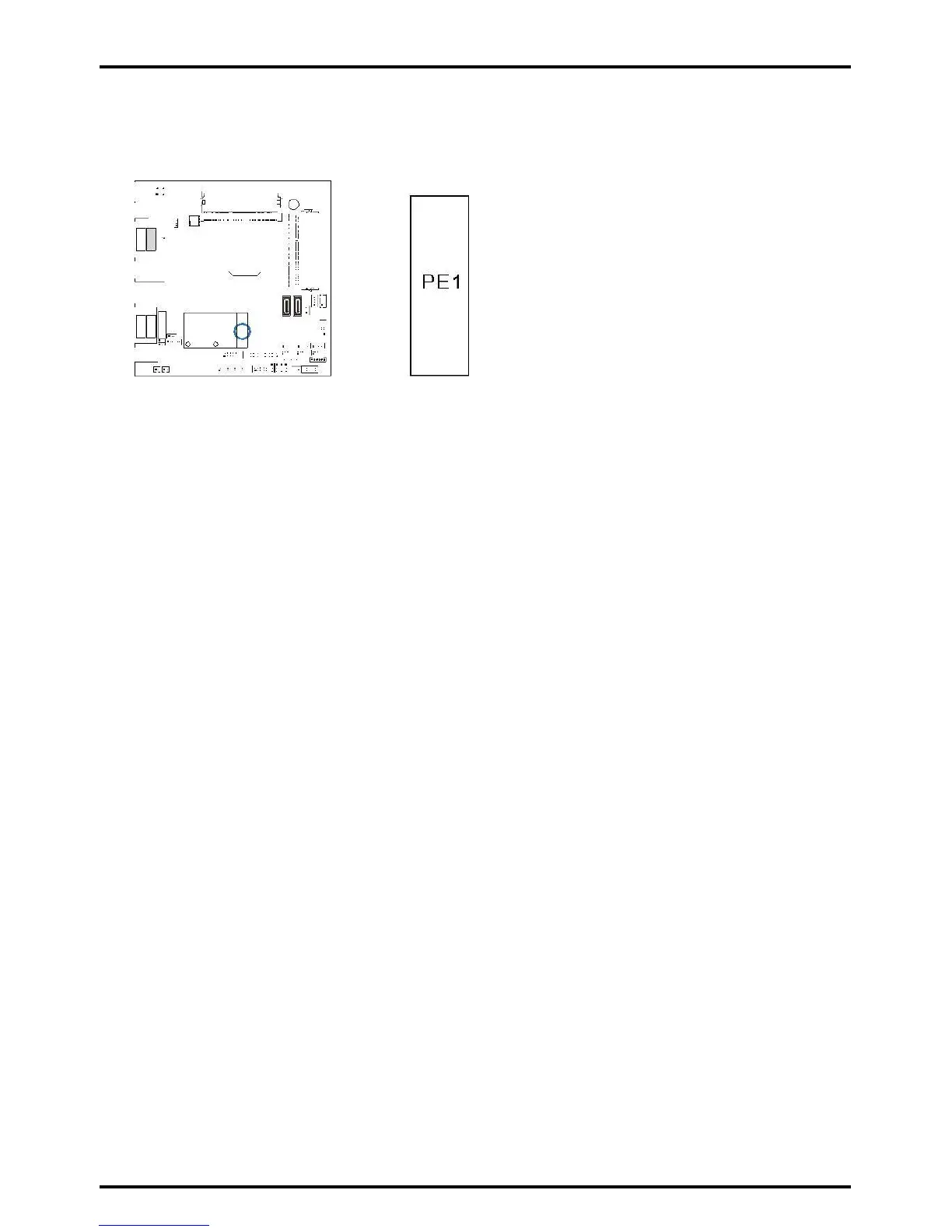
PE1: Mini PCI-E Slot (Height @ 8mm)
This mainboard is equipped with 1 Mini PCI-E Slots.
Install an Expansion Card
You can install your expansion card by following steps:
••• Read the related expansion card’s instruction document before install the
expansion card into the computer.
••• Remove your computer’s chassis cover, screws and slot bracket from the computer.
••• Place a card in the expansion slot and press down on the card until it is
completely seated in the slot.
••• Secure the card’s metal bracket to the chassis back panel with a screw.
••• Replace your computer’s chassis cover.
••• Power on the computer, if necessary, change BIOS settings for the expansion card.
••• Install related driver for the expansion card.
Chapter 2: Hardware installation | 19



 To Next Page