BIBD-ICP User’s Manual
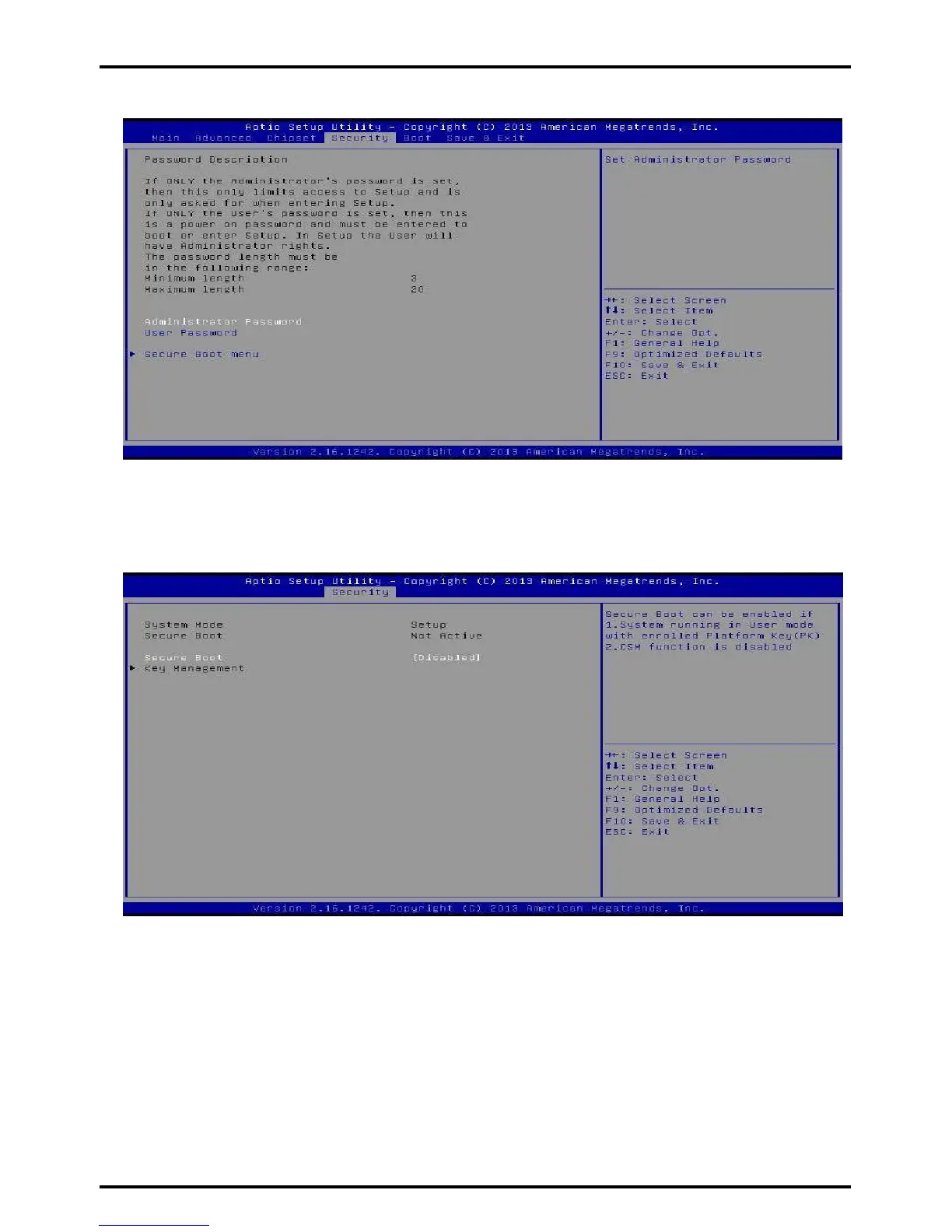
3.4 Security Menu
Administrator Password
This item sets Administrator Password.
User Password
This item sets User Password.
Secure Boot
Secure Boot can be enabled if 1. System running in user mode with enrolled Platform
Key(PK) 2.CSM function is disabled.
Options: Disable (Default) / Enabled
»»» Note: The following items appear only when you set the Secure Boot Mode function to [Custom]
Chapter 2: Hardware installation | 41



 To Next Page