ID TECH VP3300 OEM User Manual
Page | 15
9. USDK Demo App
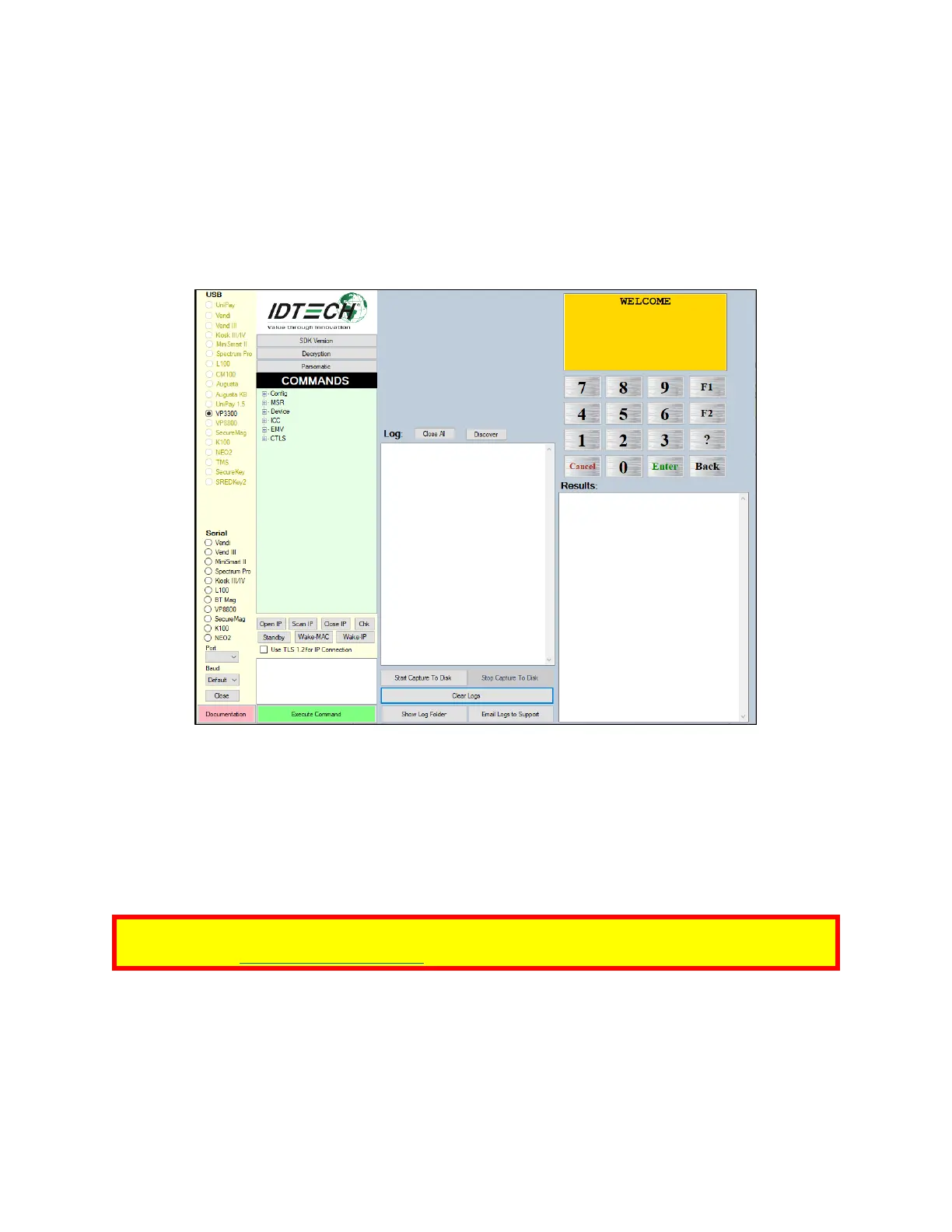
The Universal SDK comes with a rich, fully featured demo app, including complete source code for the
demo app.
To use the demo app, plug a VP3300 OEM into a Windows PC using a USB-to-micro-USB cable (not
included), then open UniversalSDKDemo.exe file to launch the USDK Demo app.
The USDK Demo app displays available commands in a command tree, as shown above.
Single-click on a command to populate the center panel of the window with optional settings
relevant to the command. In some cases, text fields appear for users to enter custom values. Execute
commands by double-clicking it in the command tree or clicking Execute Command. Commands
execute in real time and a data trace appears automatically in the center and right-hand panels.
Note: For instructions on updating device firmware, see the VP3300 Bluetooth User Manual,
available on the ID TECH Knowledge Base.














 To Next Page