VP 3600 User Manual
Page | 16
7. For Software Developers: Software Development Support
The VP3600 is designed to be compatible with a wide range of third-party payment applications.
ID TECH offers a Universal SDK (available for iOS, Android, or Windows) to enable rapid
application development using VP3600 as the target device. The languages supported include
Objective C (on iOS), Java (on Android), and C# (on Windows). The Universal SDK includes rich,
powerful libraries that make communication with VP3600 comparatively easy while greatly
facilitating debugging.
Normally, applications that take advantage of VP3600's capabilities can be developed in a high-
level language like Java or C#, obviating the need to send hex-code commands directly via USB-
HID. However, it is possible to communicate with the device via Bluetooth or via USB-HID using
firmware commands. For a command reference for VP3600, consult the NEO Interface Developers
Guide (IDG), P/N 80139403-001.
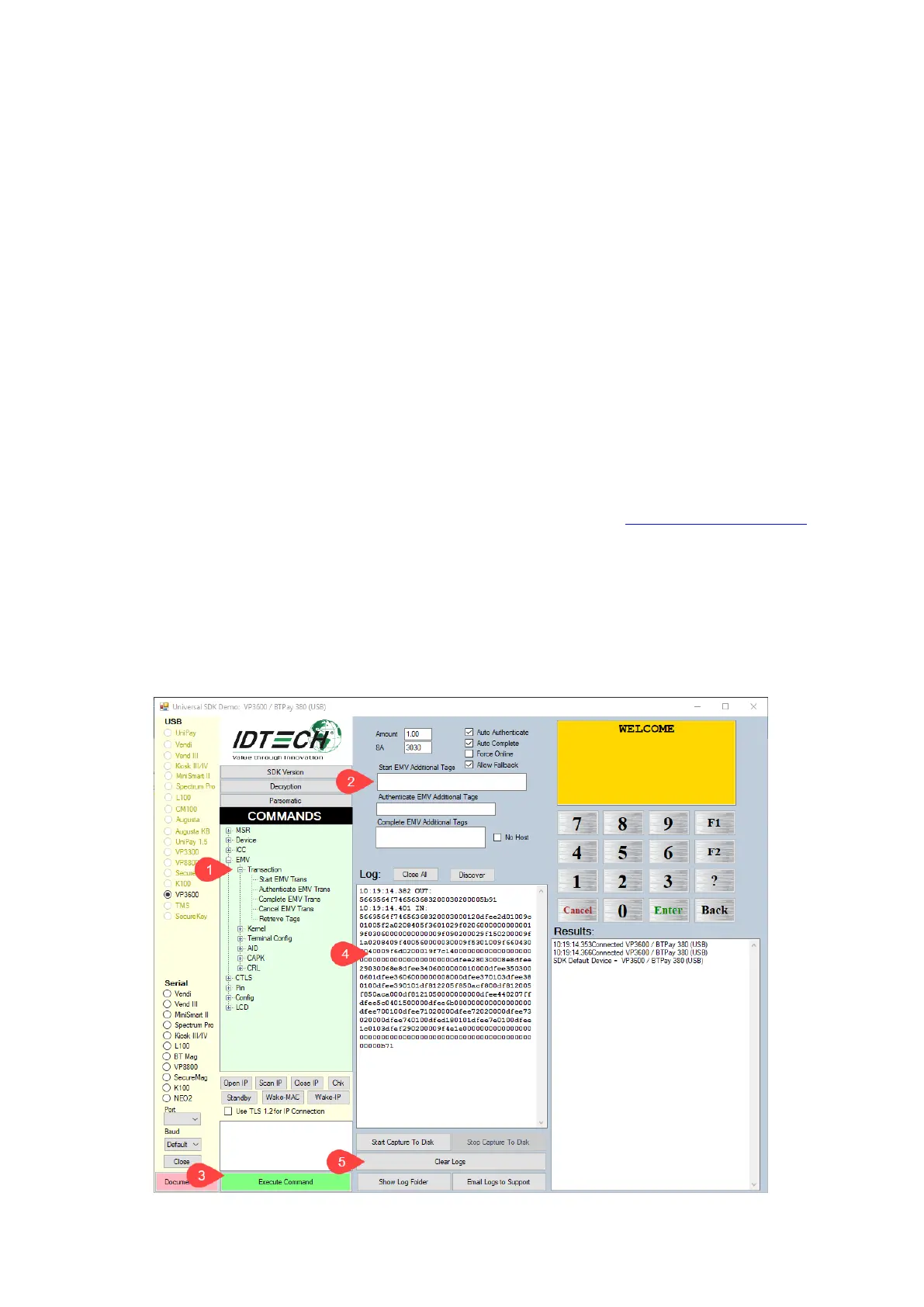
7.1. Universal SDK Demo App
The Universal SDK comes with a rich, fully featured demo app. Complete source code for the
demo app is included with the SDK. Obtain these and other items at the ID TECH Knowledge Base
(no registration required).
7.1.1. Using the USDK Demo App
On Windows, plug the VP3600 into the host using a USB-to-micro-USB cable (included), then
double-click the UniversalSDKDemo.exe file and allow a few seconds for the main window to
appear:














 To Next Page