14
9.4 User settings (optional)
9.4.1 Setting of a time delay for the switching signals
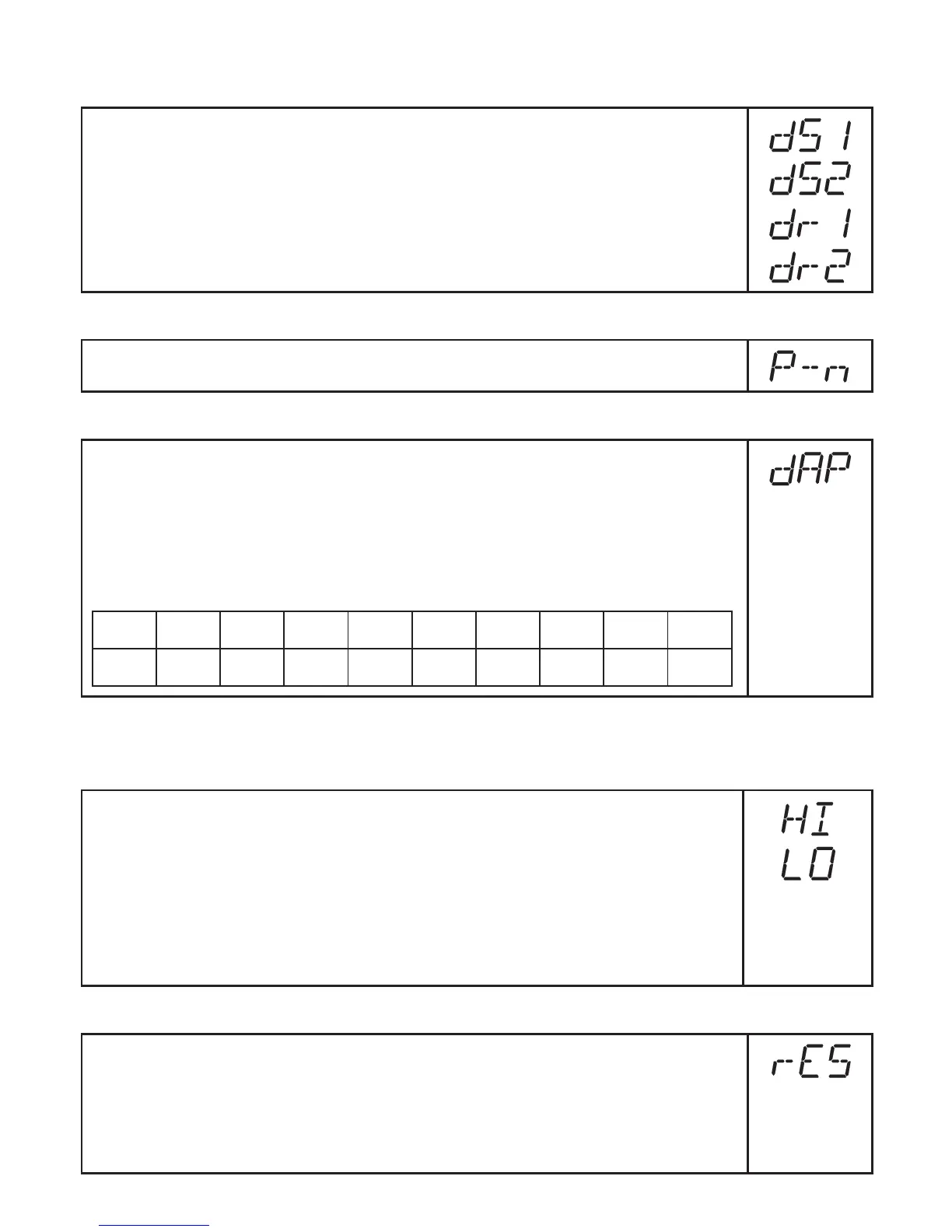
[dS1] / [dS2] = switch-on delay for OUT1 / OUT2�
[dr1] / [dr2] = switch-off delay for OUT1 / OUT2�
► Select [dS1], [dS2], [dr1] or [dr2] and set a value between 0�2 and 50 s
(at 0�0 the delay time is not active)�
9.4.2 Setting of the output logic for the switching outputs
► Select [P-n] and set [PnP] or [nPn]�
9.4.3 Setting of the damping for the switching outputs
► Select [dAP] and set a value�
dAP value = response time between pressure change and change of the
switching status in milliseconds� Damping has also an effect on the display
and the IO-Link process value�
The following fix values can be set; they define the switching frequency (f)
of the output:
dAP 3 6 10 17 30 60 125 250 500
f [Hz] 170 80 50 30 16 8 4 2 1
9.5 Service functions
9.5.1 Reading the min./max. values for the system pressure
► Select [HI] or [LO], press [Set] briefly�
[HI] = maximum value, [LO] = minimum value�
Delete memory:
► Select [HI] or [LO]�
► Press [Set] until [----] is displayed�
► Press [Mode/Enter] briefly�
[LO] is available only for PN7004 and PN7009�
9.5.2 Reset all parameters to factory setting
► Select [rES]�
► Press [Set] and keep it pressed until [----] is displayed�
► Press [Mode/Enter] briefly�
It is recommended to take down your own settings in the table before carry-
ingoutareset(→13Factorysetting).





 To Next Page