13
UK
9.2 Configuring the display (optional)
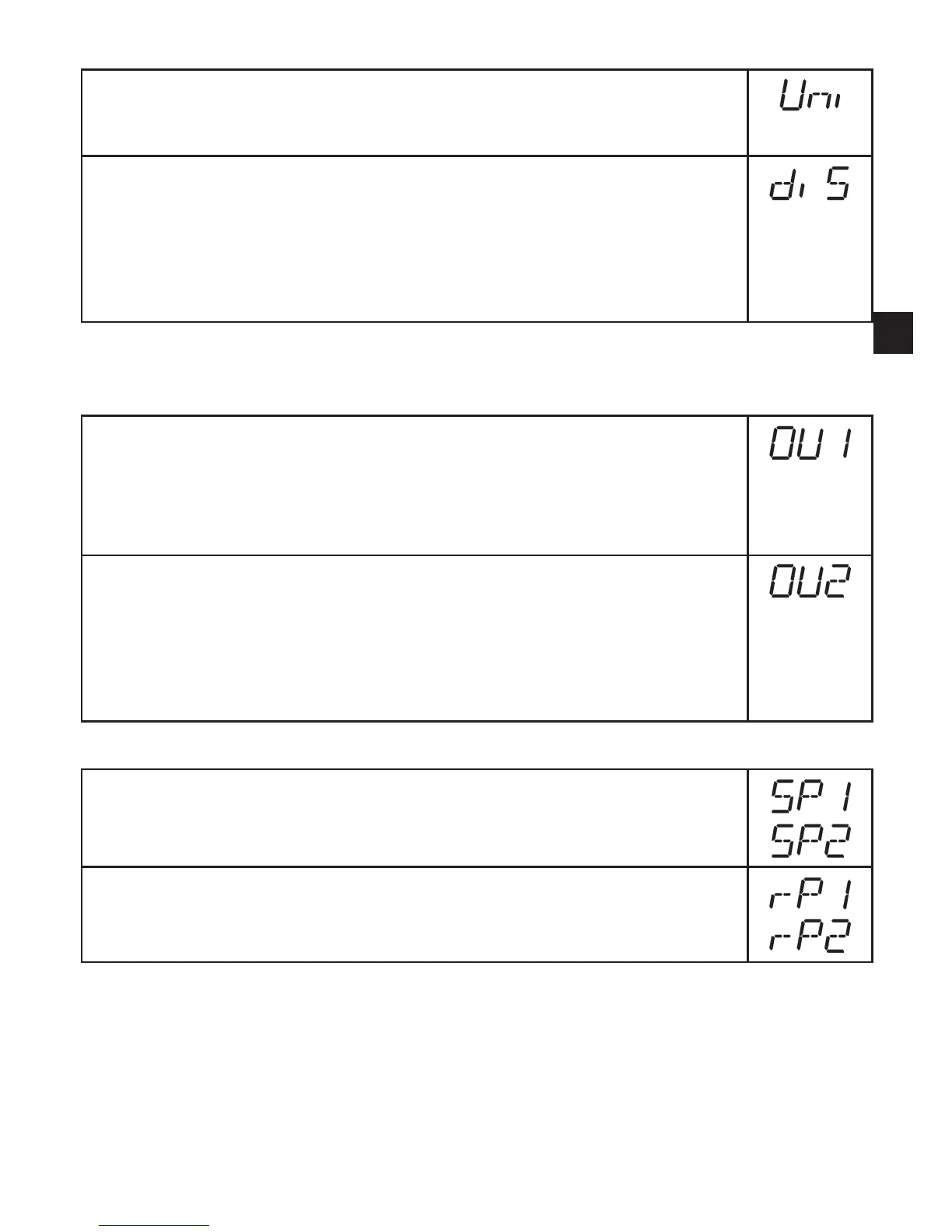
► Select [Uni] and set the unit of of measurement:
- [bar], [mbar], [MPa], [kPa], [PSI],
for PN7007 and PN7009 in addition [inHg]�
► Select [diS] and set update rate and orientation of the display:
- [d1]: Update of the measured value every 50 ms�
- [d2]: Update of the measured value every 200 ms�
- [d3]: Update of the measured value every 600 ms�
- [rd1], [rd2], [rd3]: Display like d1, d2, d3; rotated by 180°�
- [OFF]: The display is deactivated in the operating mode�
9.3 Setting the output signals
9.3.1 Setting of the output function
► Select [OU1] and set the function:
- [Hno] = hysteresis function / normally open
- [Hnc] = hysteresis function / normally closed,
- [Fno] = window function / normally open,
- [Fnc] = window function / normally closed
► Select [OU2] and set the function:
- [Hno] = hysteresis function / normally open,
- [Hnc] = hysteresis function / normally closed,
- [Fno] = window function / normally open,
- [Fnc] = window function / normally closed,
- [dESI] = output 2 is used as a diagnostic output�
9.3.2 Setting of the switching limits
► Select [SP1] / [SP2] and set the value at which the output switches�
► Select [rP1] / [rP2] and set the value at which the output switches off�
rPx is always smaller than SPx� The unit only accepts values which are
lower than the value for SPx�





 To Next Page