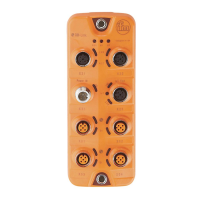
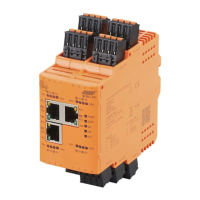
CabinetModule CR2016
10
7.2 PLC configuration in CODESYS 3.5
The „Electronic Data Sheet“ (EDS) is installed in the [Device Repository]� Proceed
as follows in the main menu:
► Click on [Tools] / [Device Repository]�
► Select [Fieldbuses] / [CiA CANopen] / [CiA Remote Device] and click on [In-
stall]�
► Select EDS file and click on [Open]�
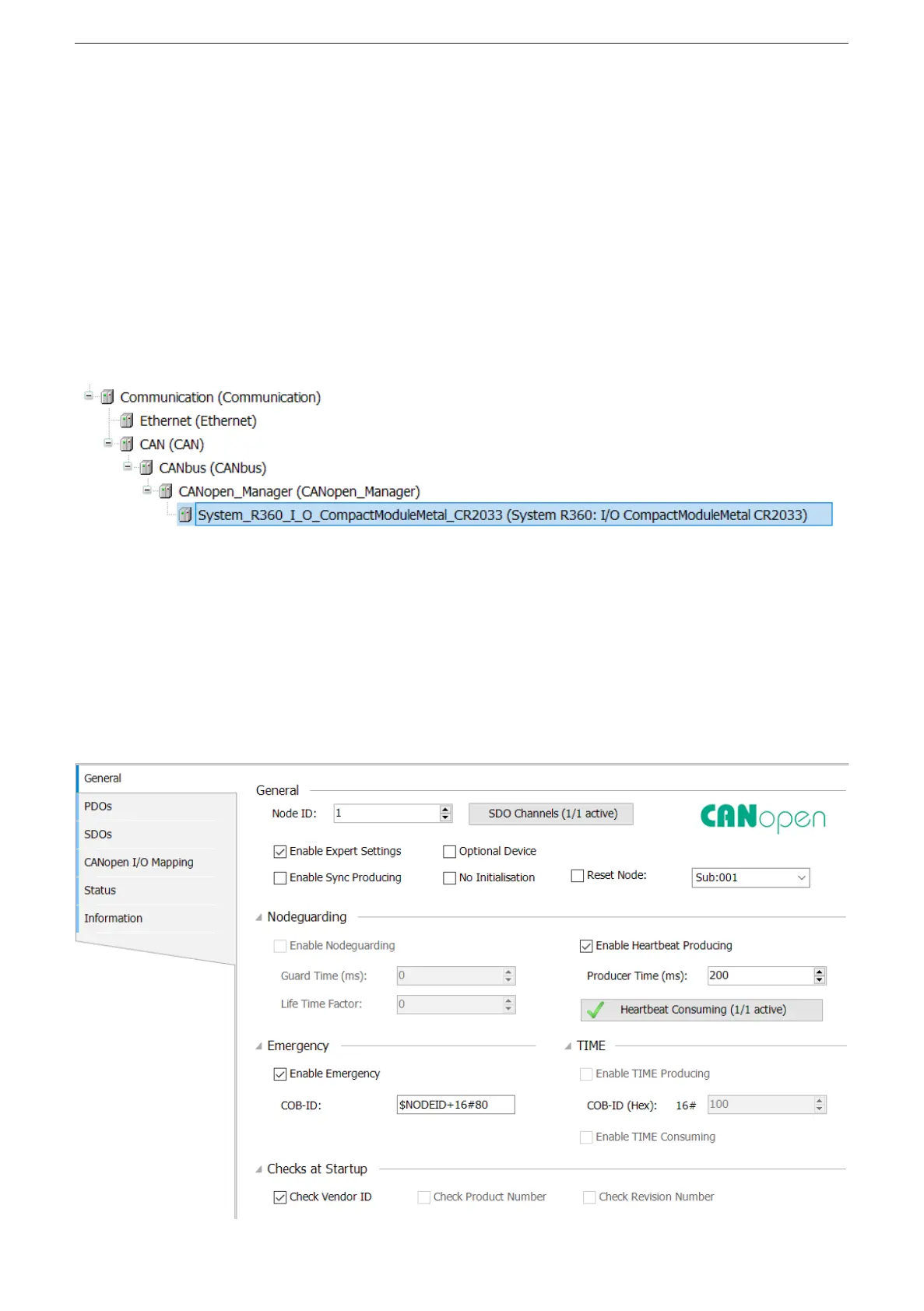
> In CODESYS 3�5 the devices are integrated as CiA remote devices in the de-
vice tree under a [CANopen_Manager] element�
The CANopen communication is configured via the CODESYS configuration
editor�
7.2.1 Heartbeat conguration
The function [Reset Node] must be activated on the tab [General] so that the
device applies the parameters set for heartbeat monitoring of the CANopen
Manager�


 To Next Page