14
/
38
Lap
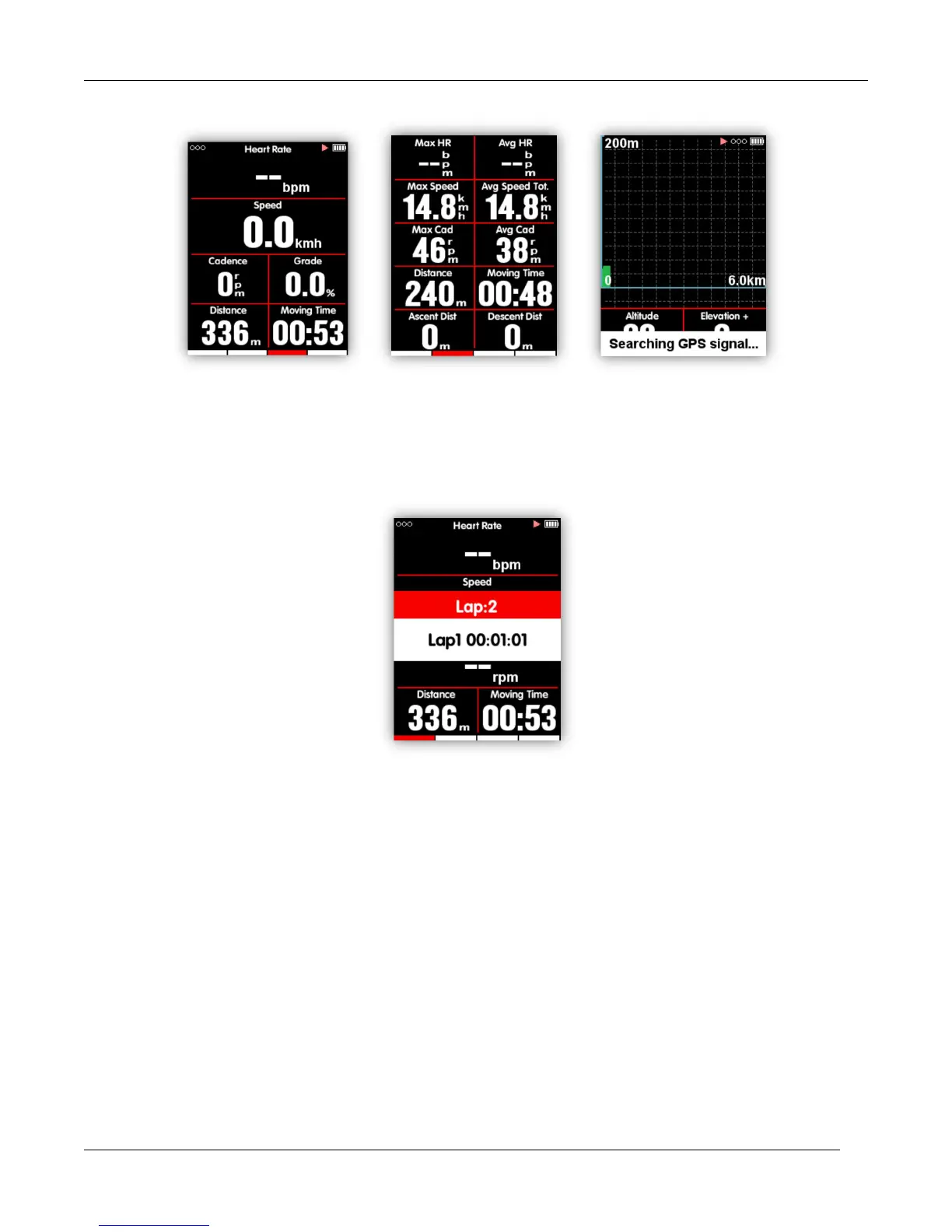
If you want to analyze the data in one segment, select the middle button under recording mode to
start laps, it will notice a new lap and show the riding time of last Lap.
Ending a ride
Stop recording
Select the left button to end a ride, select the middle button to save the ride. When the ride is ended,
the recording indicator icon on the upper right will disappear accordingly. Power off iGS618 under
recording mode, will also save the riding data automatically.



 To Next Page