27
/
38
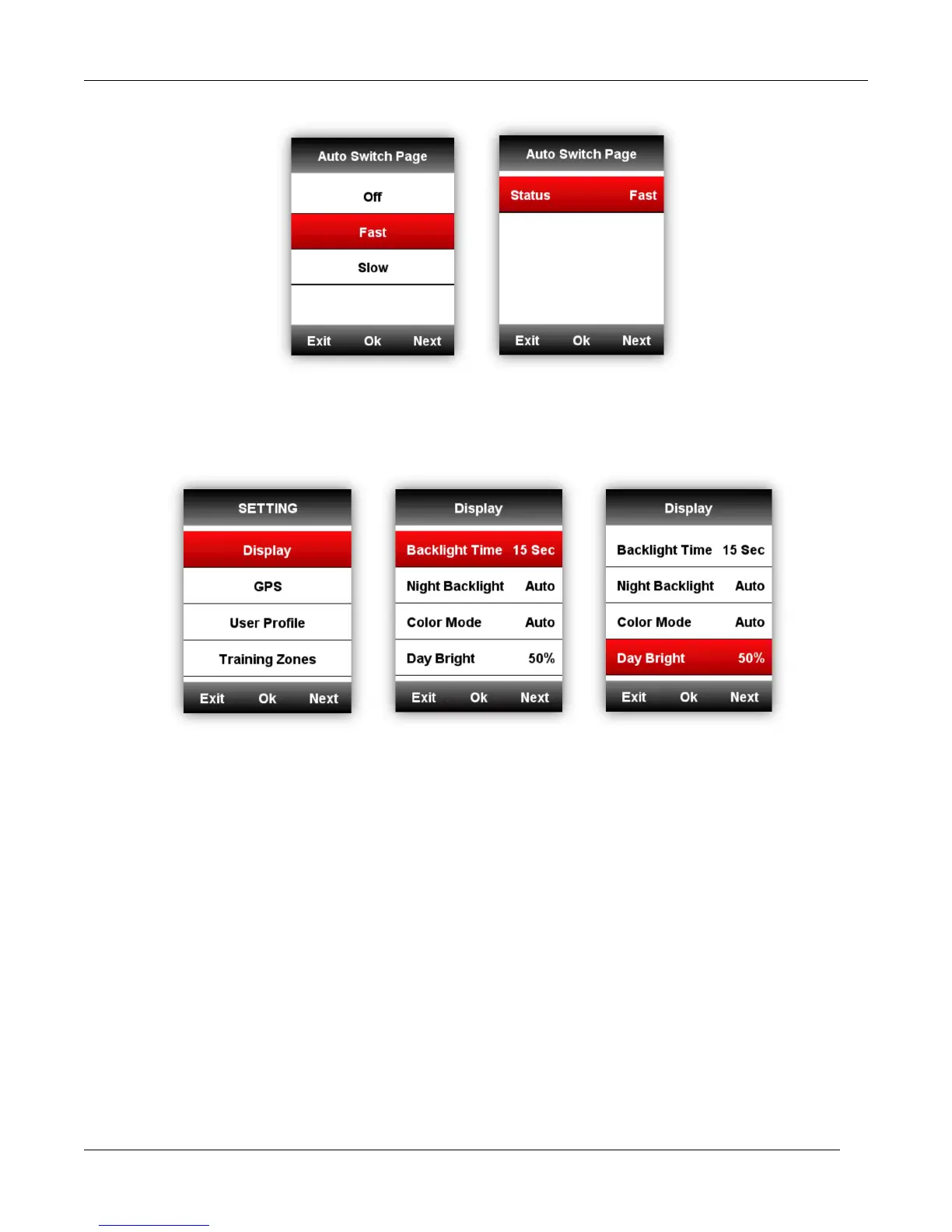
Display setting
Please set the Backlight Time, Night Backlight, Color Mode and Day Bright as below:
Color Mode
Set the device to display day(white screen with black font) or night(black screen with white font)
colors. You can select the auto option to allow the device to set the day or night colors automatically
based on the time of day.
SETTING-Display-Color Mode-Auto/Day /Night



 To Next Page