29
/
38
Note: the activities under MEMORY menu can be also opened by navigation:
MEMORY-Saved Activity-Last Activity/All Activities/Historical-Map
Road map
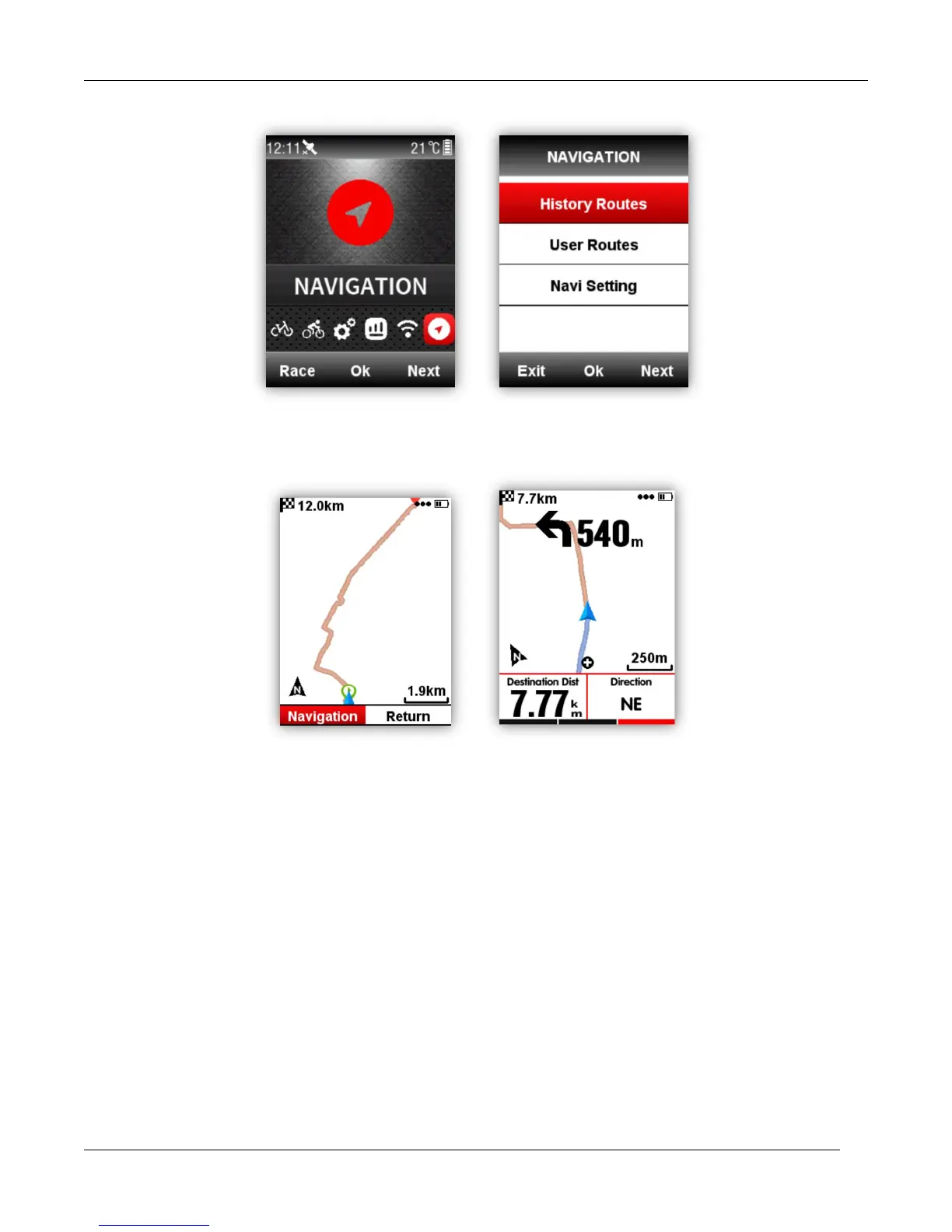
iGS618 support road map in fit, gpx and tcx formats.
After confirm the plan routes, copy the road map file into iGPSPORT \ Navigation Folder by USB
cable, power on iGS618, you can find the road map under Navigation-User Routes, open the file to
start Navigation or Return.
Note: the length of the file name should be within 28 characters, or device cannot recognize it.
Navi Setting
Customize Data-On /Off
It will show 1-2 data items if choose on
Set Page
Set data items, same setting as the Set page under the Race Mode menu.



 To Next Page