35
/
38
There are two default bikes: Bike 1/2, and iGS618 support adding 3 bikes more(★ means the
selected Bike), when connecting with ANT+ sensors, the sensors’ ID will connect with selected bike
automatically, and if shift into a new bike, sensors will connect with the new bike automatically.
Power Saving
Auto Functions
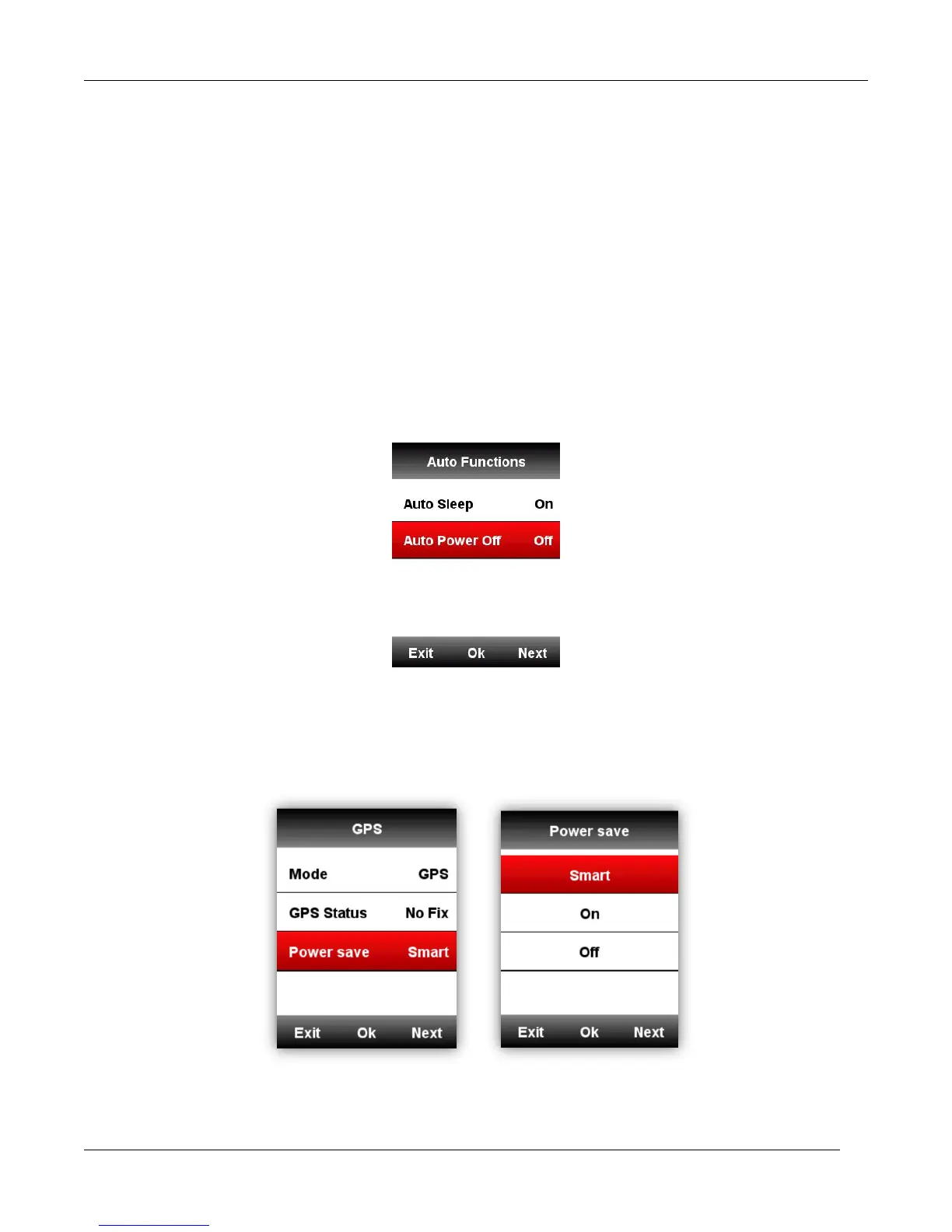
Enter SETTING-Auto Functions
Auto Sleep On: device will automatically enter sleep mode after 5 minutes of inactivity. During the
sleep mode, the screen is turned off and the ANT+ sensors, Bluetooth, and GPS are disconnected,
device will be wake up by moving.
Auto Power Off: device will automatically power off after 5 minutes of inactivity.
GPS Power Saving Mode
Enter SETTING -GPS –Power Save
Power Save Smart means device will shift from on or off automatically based on the reality of usage.
It is suggested to set GPS as Power Save On/Smart to lengthen the battery working time.
Note: GPS speed and accuracy may fluctuate lightly under GPS Power Save On mode.



 To Next Page