9
/
38
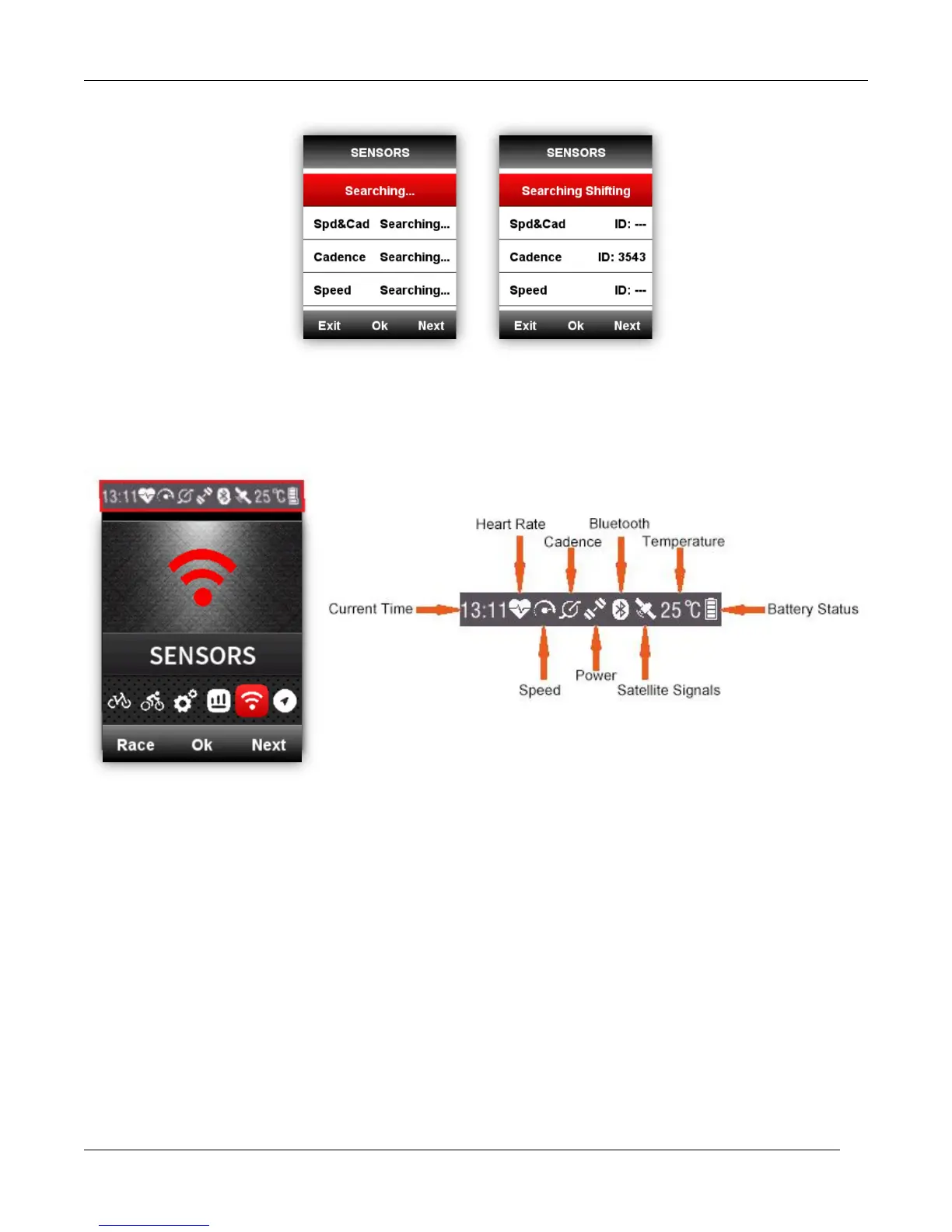
Screen display Indicator icons
When sensors are connected, the indicator icons will be shown in the upper screen as below:
Bike setting
It is necessary to set the bike circumference if using ANT+ speed sensor.
Please enter the BIKE menu, choose the selected bike, set the circumference, save, and exit as
below:



 To Next Page