6
/
38
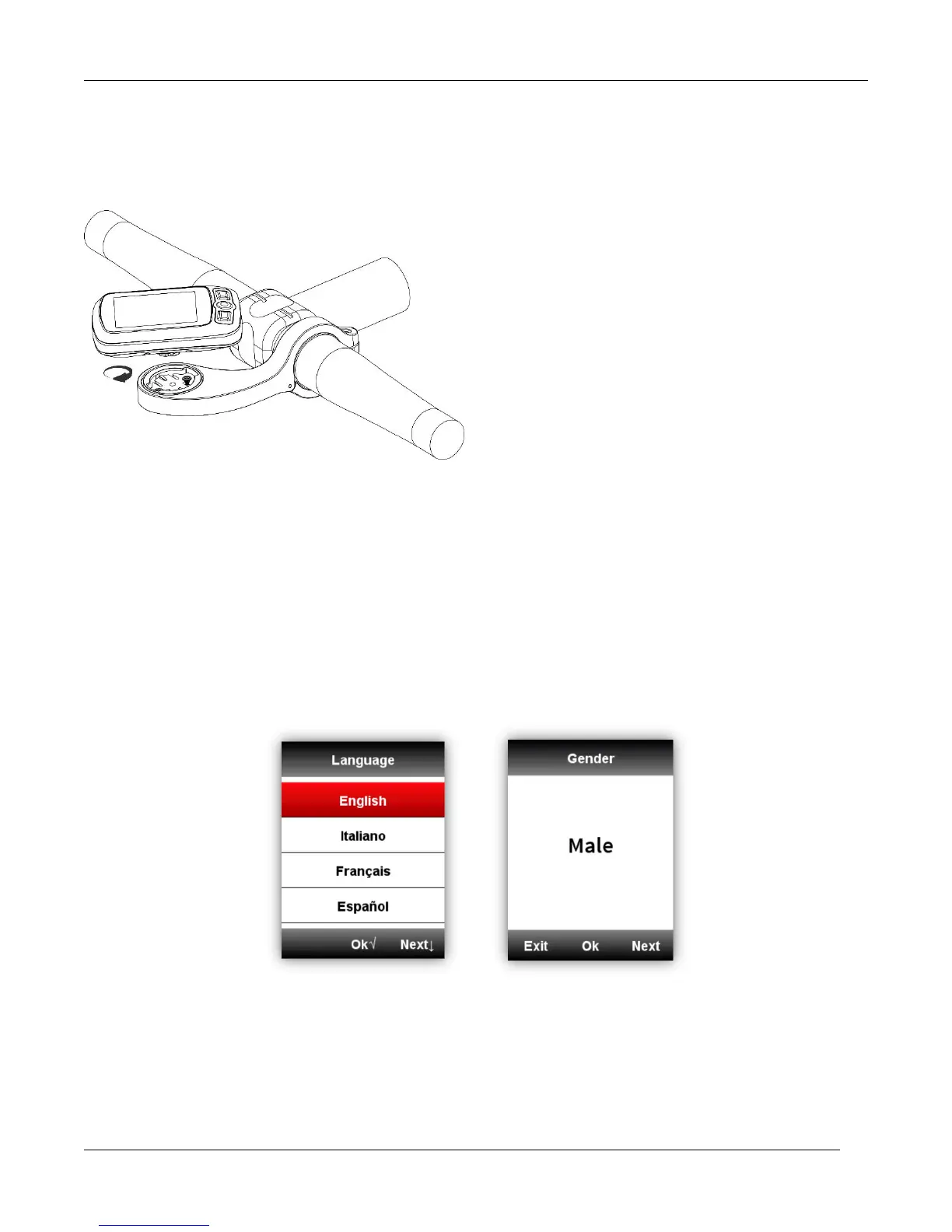
2. Out front bike mount installation (Optional accessory)
Personal setting
When using iGS618 for the first time, you can set the Language, Gender, Age, Weight, Height and
Time Zone as below:
While setting the numerical digits, select right button to choose the digit of number, select left/ middle
button to plus/minus the number, then select right button to enter the save page, select middle button to
confirm the saving.



 To Next Page