28
/
38
Note: you can only set the Day Bright for data display pages , the backlight of menu interfaces are
default as 100% in day time.
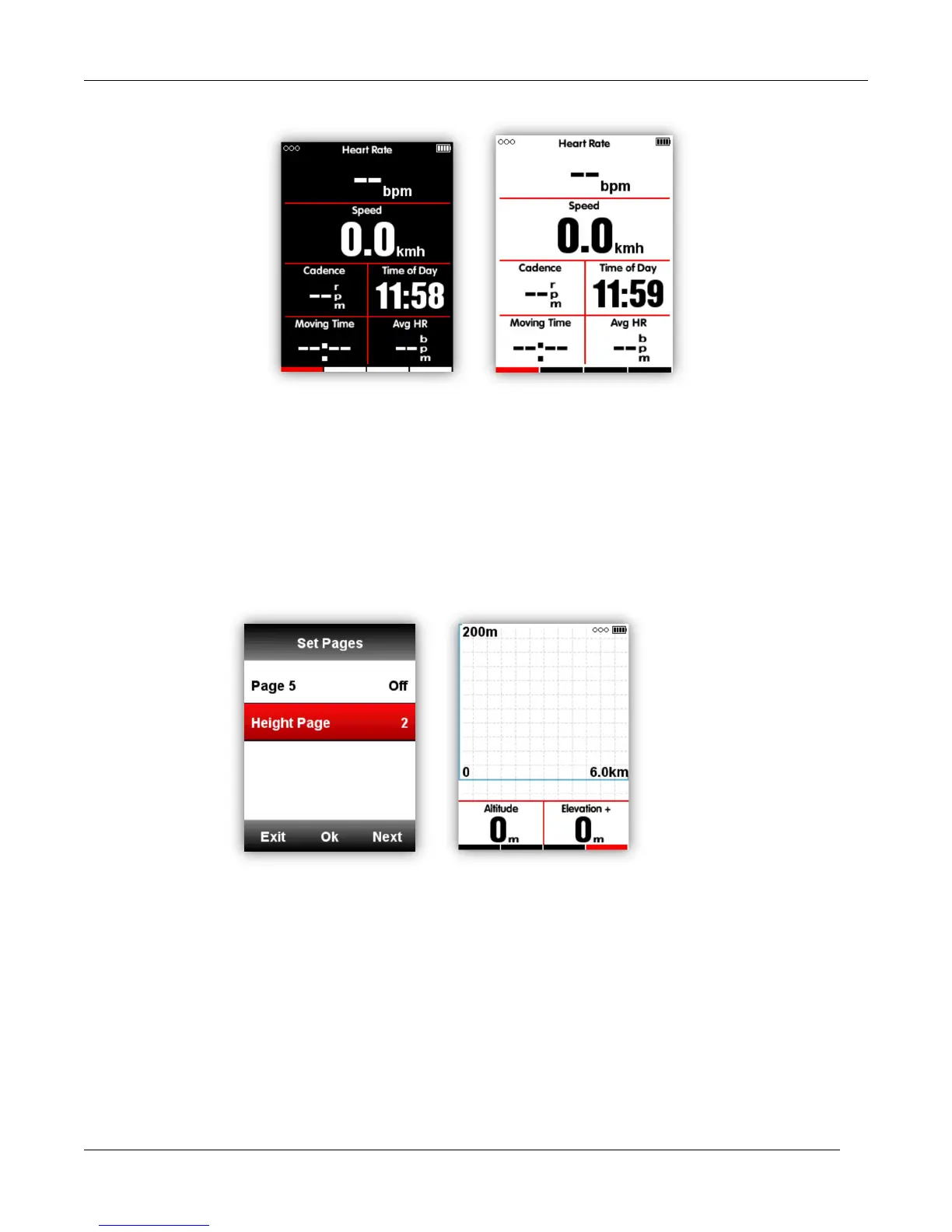
Height page
When the height page is turned on, you can check the height of history routes in current lap.
The height page can be turned on/off under the ride mode, you can also set the display area and
items in height page under the MODE menu-Set Pages.
Navigation
Location
You can record and store the locations in the device.
Enter NAVIGATION-History Routes to open the activity list, select the wanted routes, device will
show its GPS track, choose Navigation or Return, select middle button to enter the data display pages,
select middle button to zoom in or zoom out.



 To Next Page