18
/
38
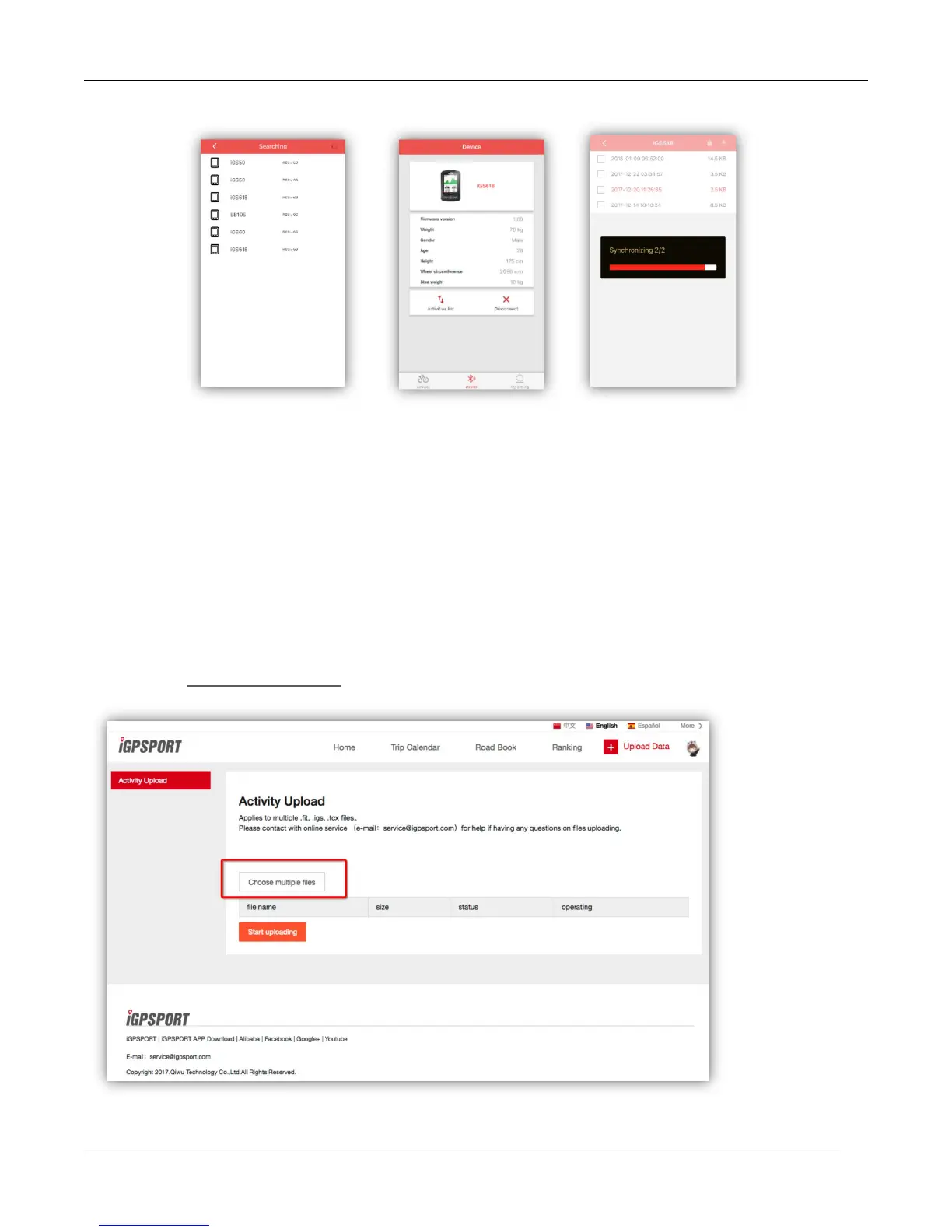
( Take ios app for example)
Upload via USB cable
1) Power off iGS618.
2) Connect iGS618 to your computer via USB cable.
3) Select left button to enter connection mode, then battery icon will light up.
4) Computer will recognize iGS618 as a new disk, then copy the activity files in folder as
below :\iGPSPORT\Activities\***.fit to computer.
5) Login http://i.igpsport.com, select fit format files to upload.



 To Next Page