MAINTENANCE
IC75 ENG 4-27
AIR CLEANER SYSTEM
Check the dust indicator
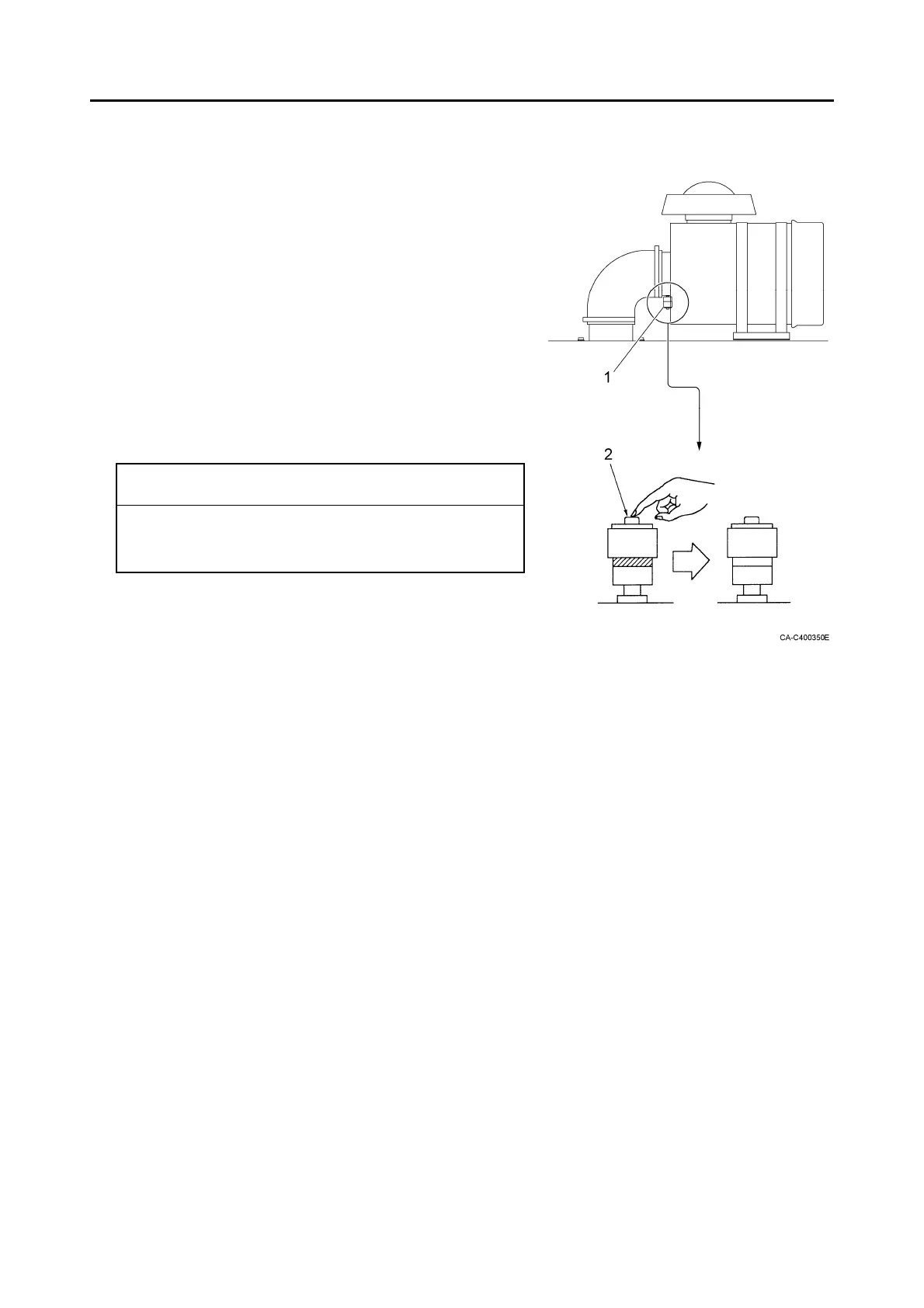
1. Check if the dust indicator (1) at the suction pipe of the
air cleaner does not show a red signal.
2. Clean or replace the element immediately if a red
signal is shown .
3. Push the reset button (2) of the dust indicator to reset
the red signal after cleaning or replacing the element.
IMPORTANT
Clean the air cleaner element if the dust indicator
shows a red signal in daily check, regardless of the
maintenance time.
Re signal Reset



 To Next Page