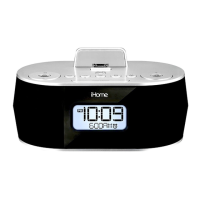
iD38 Quick Start
4: Updating firmware
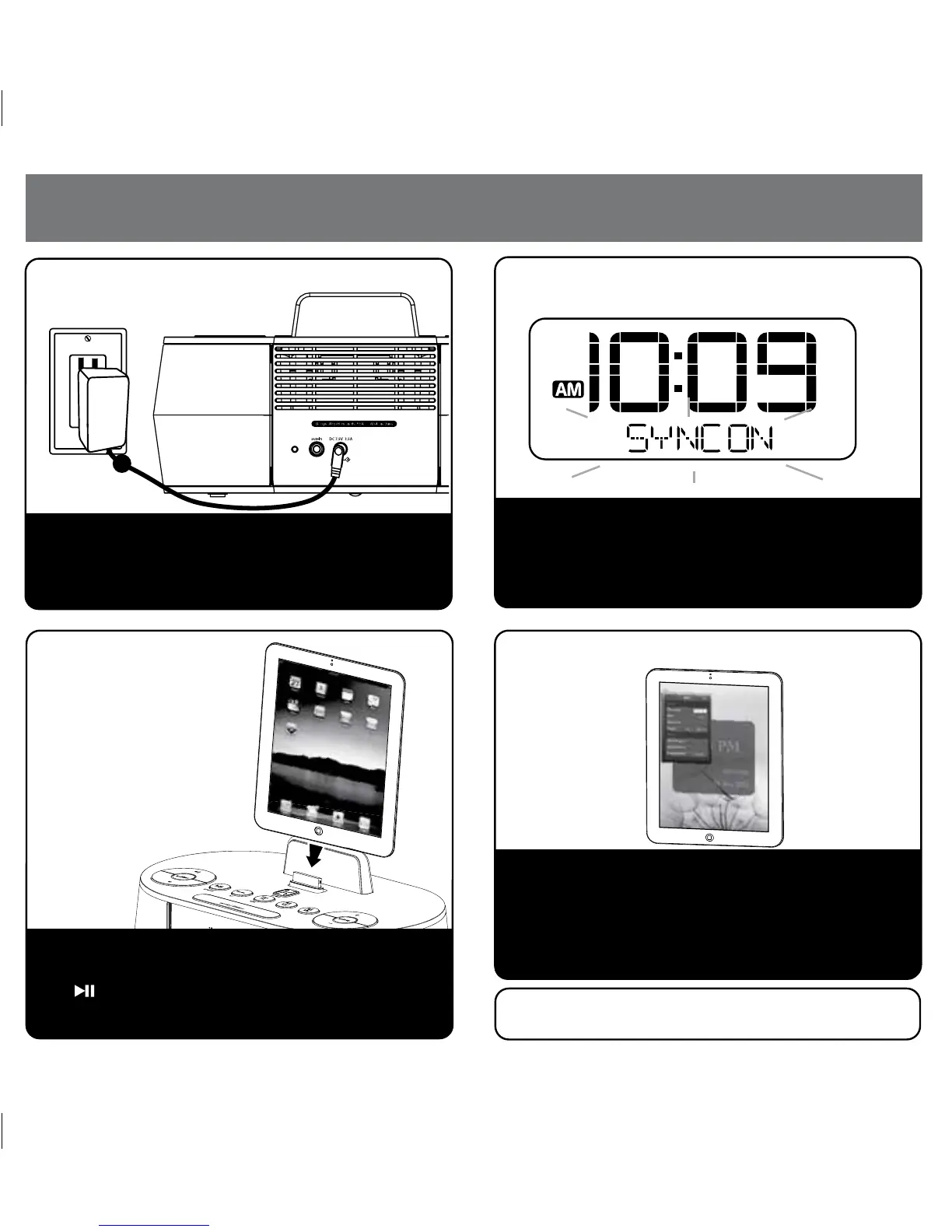
1: Power
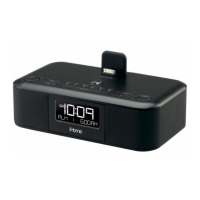
Attach AC adaptor cable to DC jack on back of the
unit and plug the other end into a wall socket.
Remove the backup battery pull tab from the battery
compartment on the bottom of the unit.
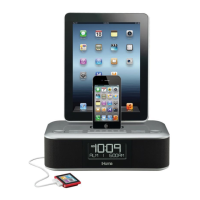
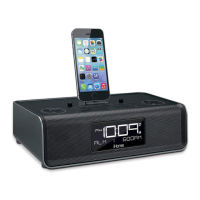
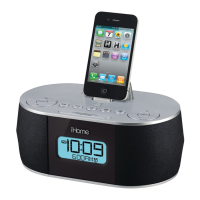
Gently dock your iPad/iPhone/iPod into the 30 pin dock.
The iPad/iPhone/iPod will charge while docked. Press
the Button on the unit to play your iPad/iPhone/
iPod.
Gently dock your iPad, iPhone or iPod into the 30 pin
dock. The unit will attempt to autosync to the time on
your iPad, iPhone or iPod. This process takes about 3
seconds.
3: Playing your
iPad/iPhone/iPod
2: Setting Clock with AutoSync
For best performance, make sure to update the iD38
firmware. To do so, download the free iHome Set app
from the App Store. Launch the app, scroll to “Search
for update” and follow onscreen directions if an update is
available. NOTE: Firmware updates require a 3G service
or Wi-Fi network connection. Do not remove your iOS
device while updating firmware on the iD38.
Note: the iHome Set app is not covered in detail in this
booklet. Please download the free iHome Set app from
the App Store and review the Start Guide.
3
P5
TEST
TEST
3/12/2012


 To Next Page