iD50 Quick Start
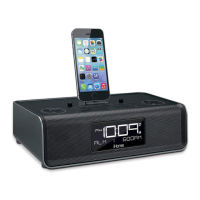
8: Pair Your Bluetooth-enabled Phone with the iD50
9: Making and Answering Calls
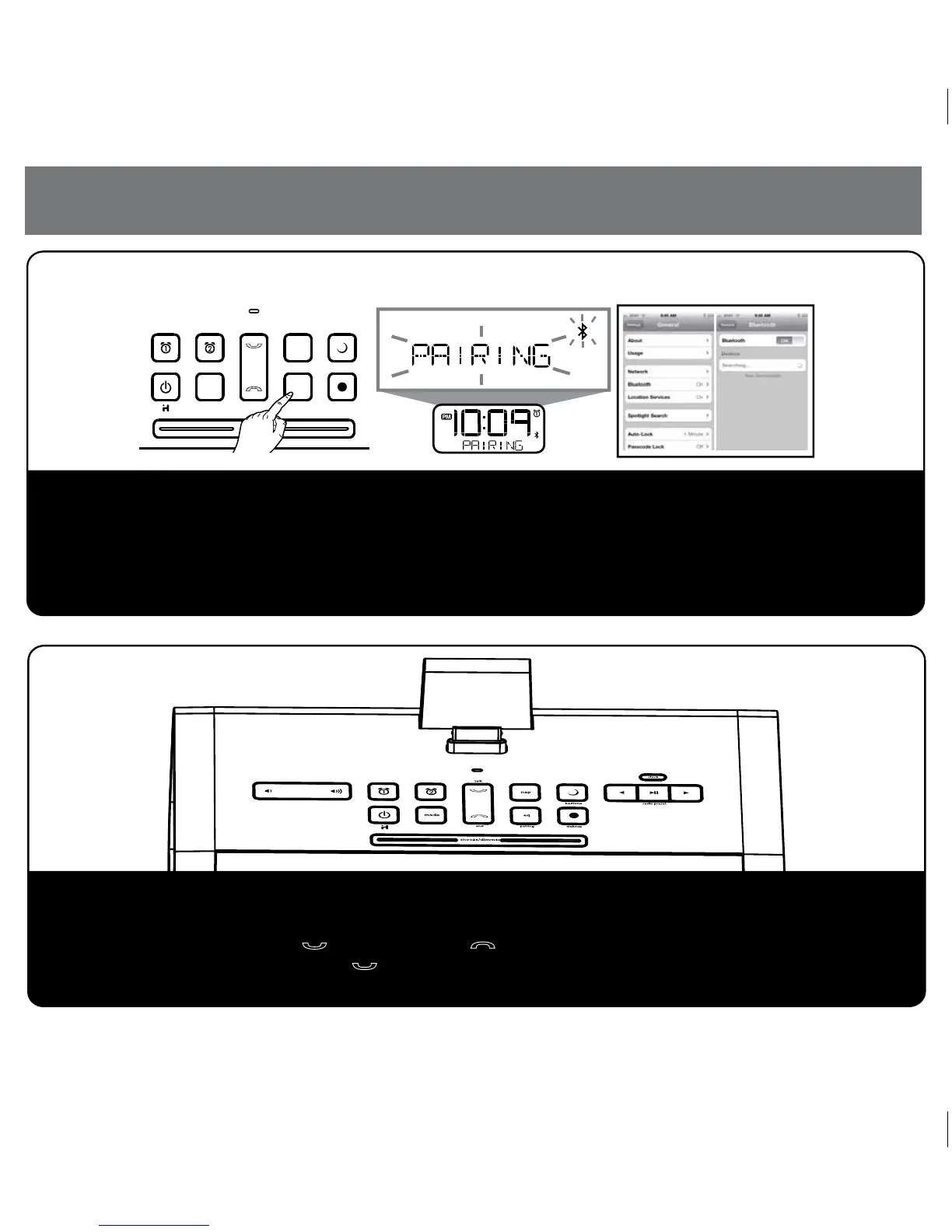
a) Select Bluetooth/discover mode on your device (see your user manual)
b) Press and hold the EQ/Pairing Button located on the top of the unit for 2 seconds. The unit will enter Auto-pairing
mode and begin searching for a device to pair with, indicated by flashing Bluetooth and pairing icons.
c) If prompted, enter pass code for unit on your device: 1234
d) A screen (on devices with display) should confirm successful pairing.
snooze/dimmer
mode
eq
nap
bedtime
wakeuppairing
talk
end
Once the unit is linked with your phone:
a) Dial the number on your phone
b) To answer the phone, press the Button. Press the Button to end the call.
NOTE: If you have call waiting, press the Button to answer a second call and place the first on hold.
4
P7


 To Next Page