Quick Start
2
6
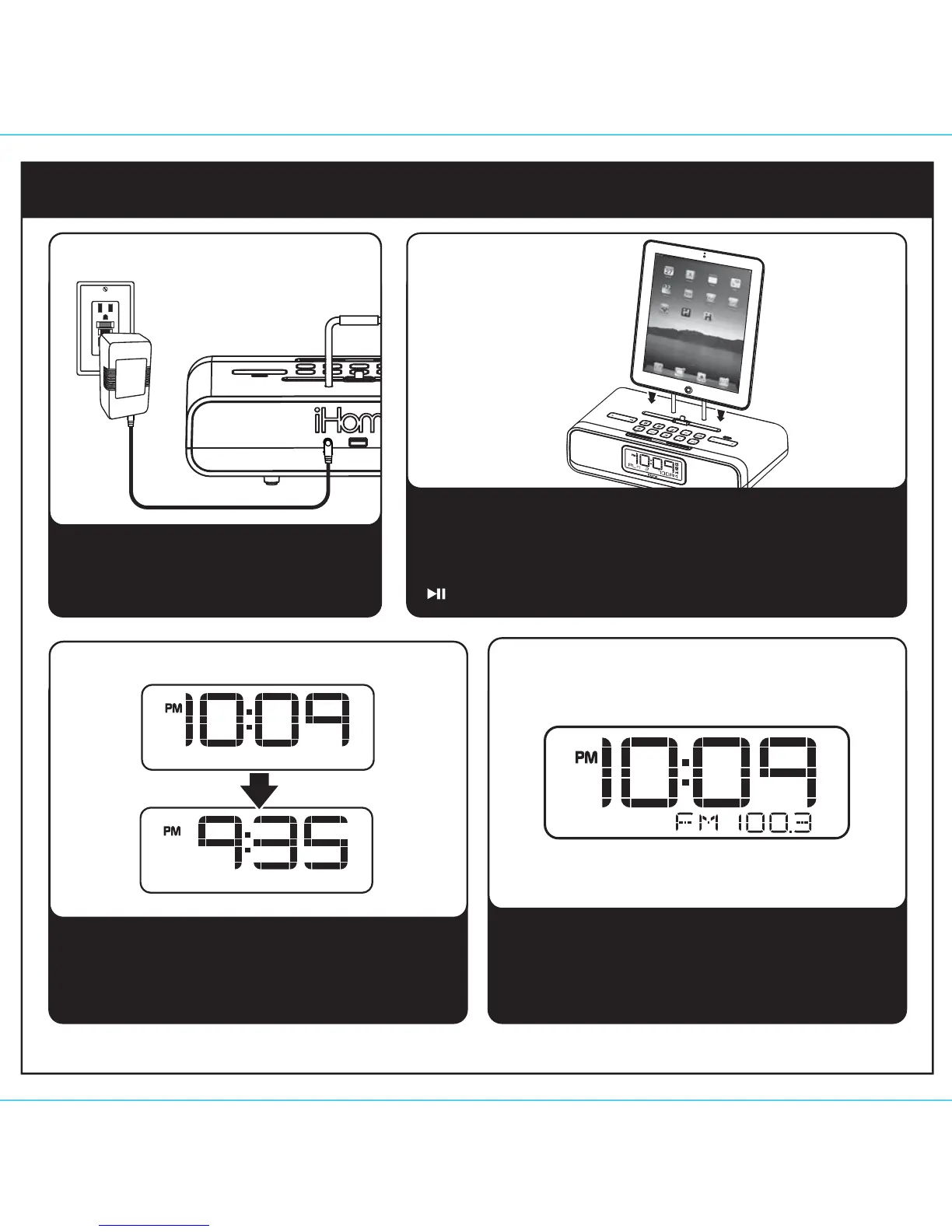
Attach AC adaptor cable to DC jack on
back of the unit and plug the other end
into a working wall socket. Install included
back up batteries (see page 7).
1: power
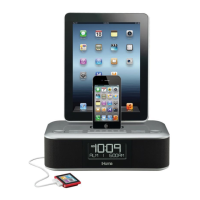
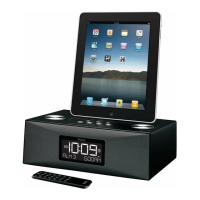
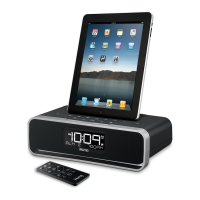
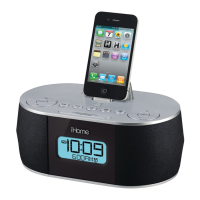
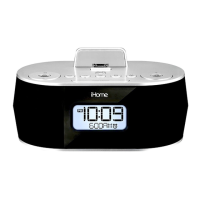
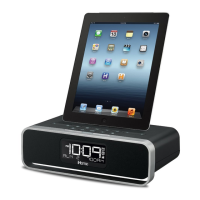
While the dock accommodates most cases, you may need to
remove your case for proper docking. Gently dock your
Lightning-capable iPad, iPhone or iPod onto the Lightning dock.
The iPad, iPhone or iPod will charge while docked. Press the
Dock Button on the unit to play your iPad, iPhone or iPod.
2: docking your
iPad/iPhone/iPod
3: time sync 4: Radio
Dock your iPad, iPhone or iPod in the Lightning Dock
or connect to the USB Dock. The time will automatically
update to the time on your device.
Extend FM wire antenna fully for best reception.
Press and release the Mode Button as needed to
select FM band. Press and release the + or -
Button to tune in a station. See page 6 for
programming presets.
RESET
RESET
TEST
TEST
iPad
l
iPhone
l
iPod
USB Dock
DC 12V 2.7A


 To Next Page