quick start
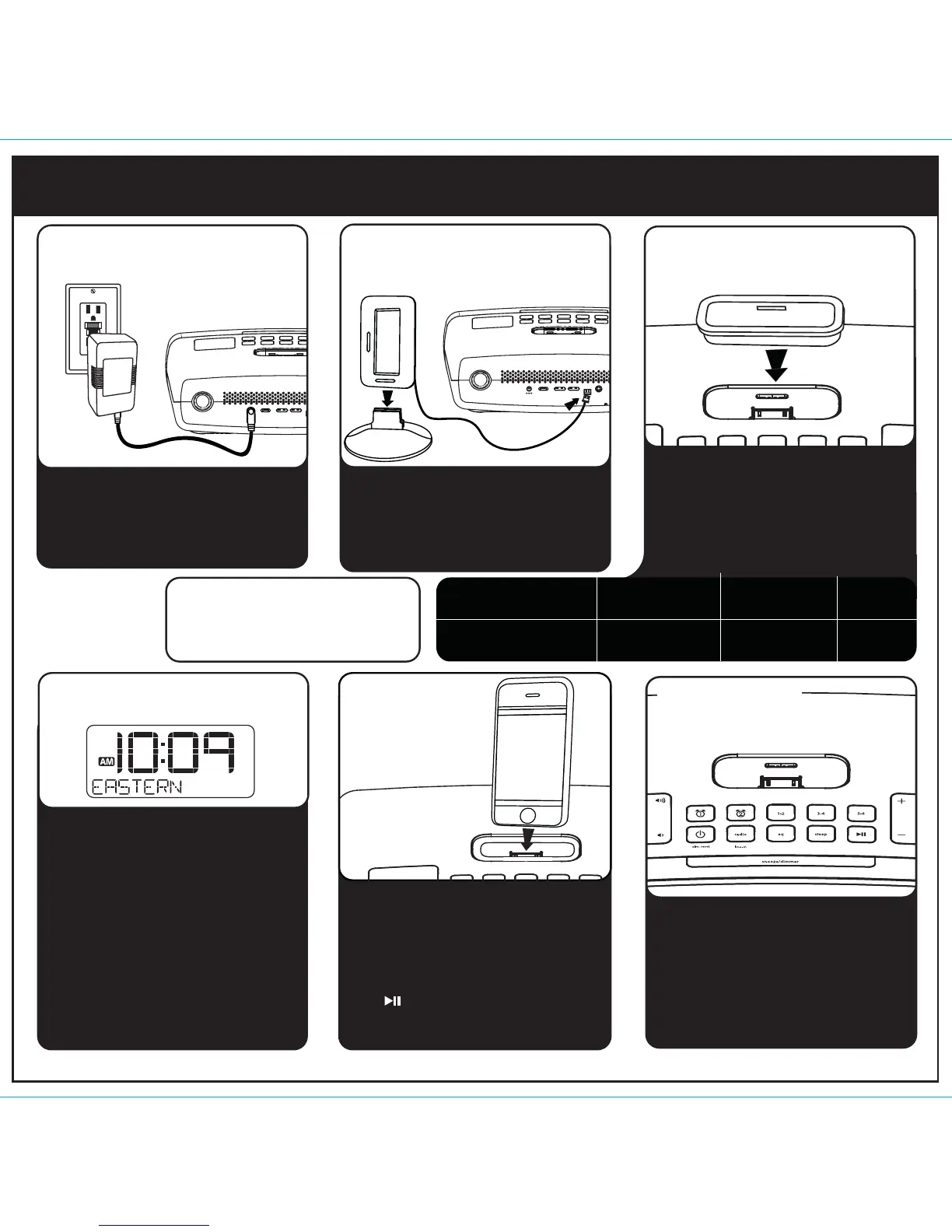
Attach AC adaptor cable to
DC jack on back of the iP90
and plug the other end into a
wall socket.
Snap AM antenna into provided
stand, then plug antenna cable
into socket on back of iP90.
Move antenna 12” away. Extend
FM antenna.
• Move the DST switch on back
of unit to +1 or -1 (adds or
subtracts an hour)
• Press & hold the Time Zone
button on back until the
display flashes
• Press the + or - pad to select
your time zone
• Press the Time Zone button
again.
1
4: time zone
5: iPhone/
iPod
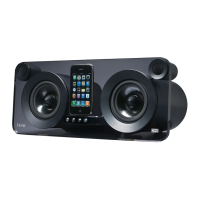
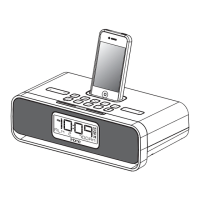
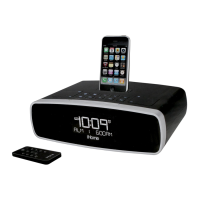
Gently dock an iPhone or iPod
into dock with proper insert
(iPhone/iPod must not be in a
skin or case). The iPhone/iPod
will charge while docked. Press
the Button to play your
iPhone/iPod.
Press the Radio button and
press again to select AM/FM
band. Press the + or - to tune in
a station. See page 4 for
programming presets.
NOTE: If you do not have an insert for
your iPhone/iPod, please visit
www.ihomeaudio.com or call iHome toll
free at 877-446-6301 to purchase one.
Use this insert
For this iPhone / iPod
iPhone 3G
insert 15
iPhone 3G/3GS
iPod touch 2G
insert 16
iPod touch 2G
nano 5G
insert 18
nano 5G
2: antennas
1: power
Select the dock insert for your
iPhone or iPod® model from the
table below and place insert in
dock. Never dock an iPhone/
iPod without an insert in place.
line-inam antenna
DC 7.5V
clock adj./time syncDST
-1 +1
time zone
3: inserts
6: radio
RESET
RESET
TEST
TEST
am
DC 7.5V
clock adj./time syncDST
-1 +1
time zone


 To Next Page