18
function when driving, and turn it on after parked. This function only
work when the dash cam is Turned ON, so we recommend you
connect the dash cam to an external power or hard wire it after
parked if you want to use the Motion Detection and Parking Monitor
function well.
-Frequency: Default is 50Hz. Options: 50Hz/60Hz
To set or reset the frequency of the AC power to reduce interference
of fluorescent lights (We recommend to set it to 50Hz).
-Reverse Power: Default is set to ON. You can switch the rear
camera from Mirror mode to Normal mode.
Mirror Mode: when you watch the rear camera video on the
display, the things on the right are actually on the right side behind
you, but when you playback the video on your PC, it will shows the
things on the right are actually on the left side behind you. If you
need the Reversing function, please set the mode to Mirror Mode.
Normal Mode: This mode is exactly the opposite with the Mirror
Mode, when you watch the rear camera video on the display, the
things on the right are actually on the left side behind you, but when
you playback the video on your PC, it will shows the things on the
right are actually on the right side behind you.
-GPS: Only when you connect the GPS it will shows on the MENU
setting page. GPS symbol will be turn green when it receives signal.
19
(These functions shows on the MENU setting when you connect tot
GPS module)
-Time Zone: Default is set to GMT+0:00. From GMT-12:00 TO
GMT+12:00. Please set it to correct one according to your
location, because the GPS will automatically correct the time, so if
the Time Zone is incorrect, it will affect the time you set.
-Speed Unit: Default is set to KM/H. off/ MPH/ KM/H.
-Daylight Saving Time: Default is set to off. Please turn it on when
your location use summer time.
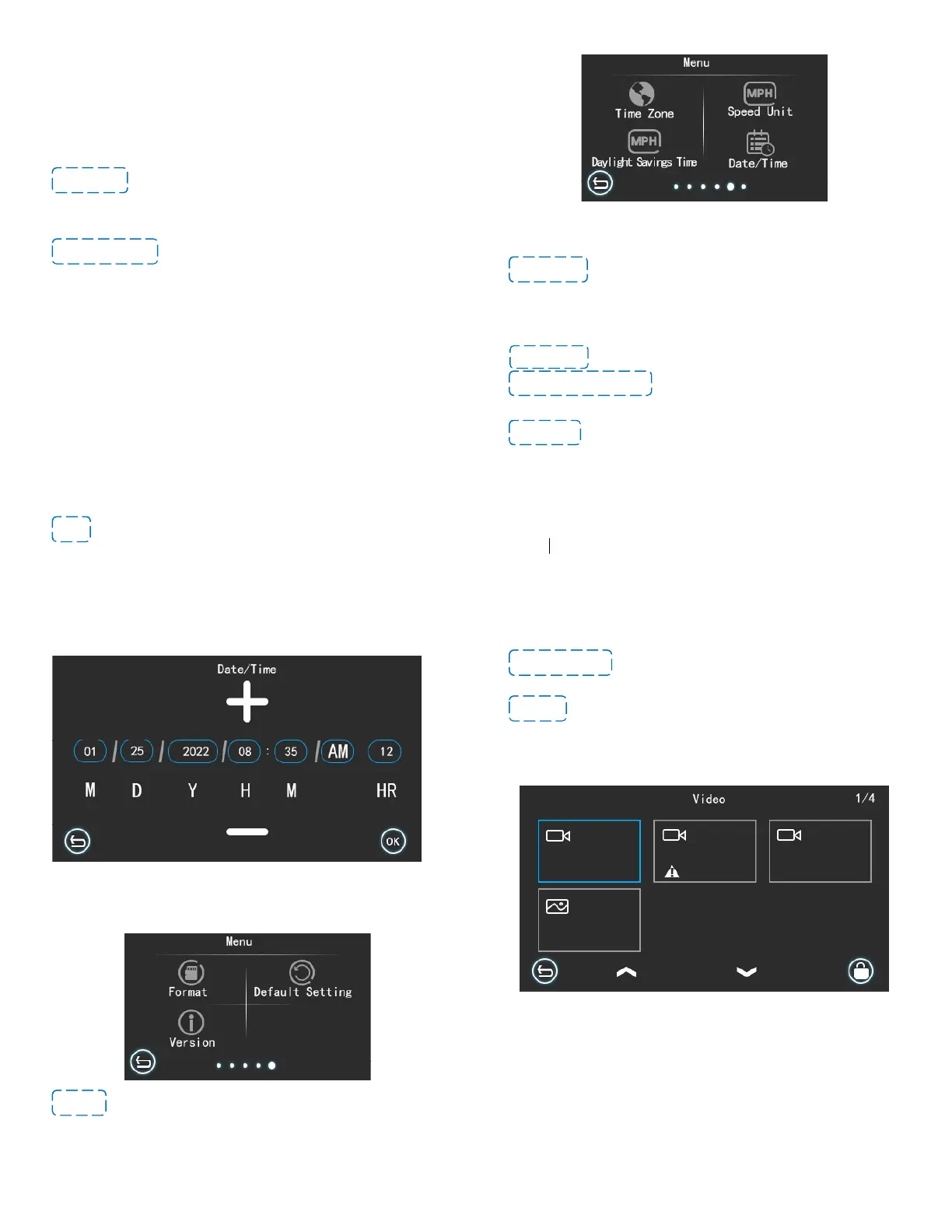
-Date/Time: You can set the time here. When setting the Year, the
year setting will flash. You can select the correct year by clicking the
up and down arrows. After completing the year setting, click on the
month to switch to the month setting. The setting method is the same
as Year setting. After all the settings are completed, click the confirm
button.
20
[DATE/TIME setting page]
-Format: Options: No/Yes
All data will be deleted when you click yes. This function will format
(erase all data) the MicroSD Card.
21
-Default Setting: Restore factory settings, this option will erase all
your previous settings.
-Version: To check the device version.
Viewing Video/Photos on the Camera
Please confirm the camera is stopped recording, click the Video
Folder to find all the videos (include front and rear cameras videos)
and photos. You can playback, delete, lock and unlock the videos in
this mode. Swipe up or down on the screen or swipe left or right to
see more videos.
The Exclamation Mark sign means this video is locked, when you
playback the locked videos on the camera, you can see a symbol of
small ‘KEY’ on the top of screen.



 To Next Page