ENGLISH
OPERATING THE MONITOR 19
LOCK MODE:
<Monitor OSD key>
Pressing and holding the MENU button and the UP button for about 3 seconds when the Menu is
not displayed.
<Remote Control>
1.Press the SELECT button when the menu is not displayed.
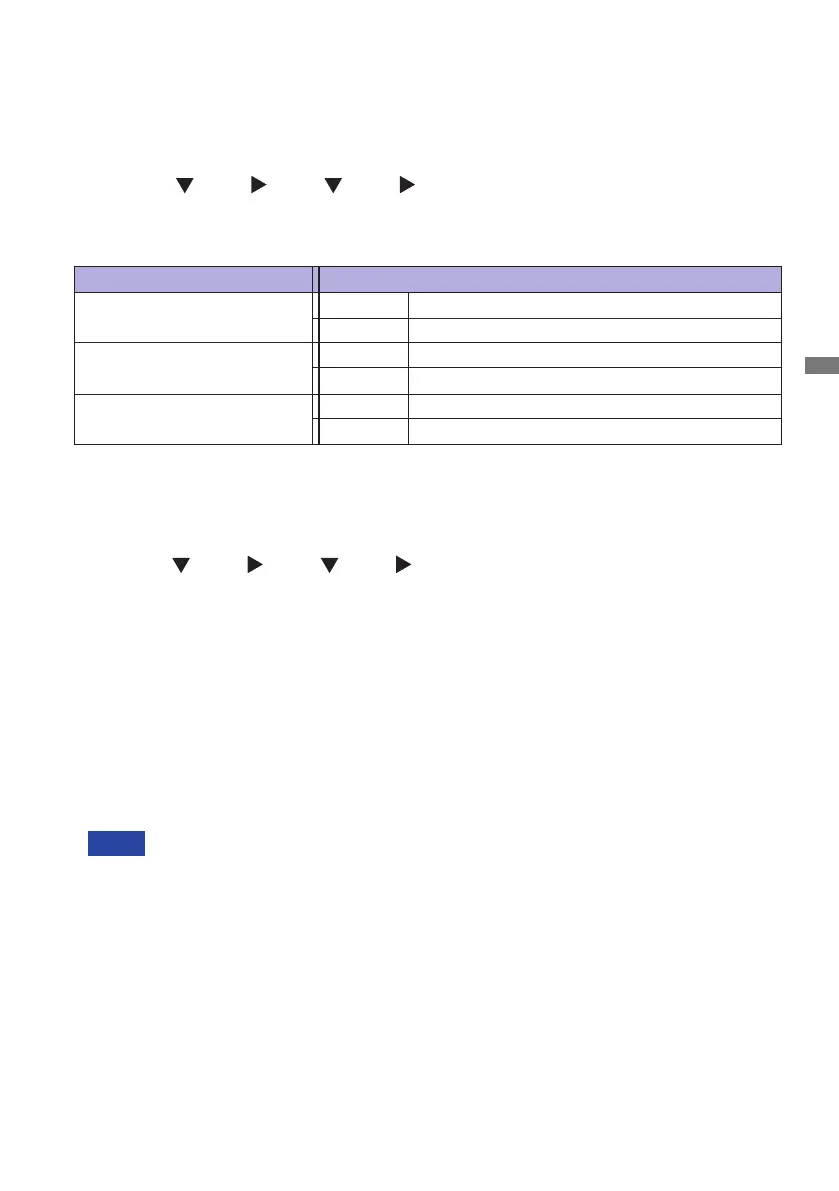
2.Press the
button, button, button, button.
* To release the Remocon Lock, display the LOCK MODE menu with the OSD key and release it.
The following OSD menu is displayed.
Adjustment Item Problem / Option
OSD Lock
Power Key Lock
O
On
The POWER SWITCH is Locked.
The POWER SWITCH is Unlocked.
O
On
The OSD menu is Locked.
The OSD menu is Unlocked.
Remocon Lock
The Remote Control is Locked.
The Remote Control is Unlocked.
O
On
NOTE
PALM REJECTION FUNCTION:
Palm rejection is a way to disregard touch made with “a large contact area” while using pen or
ngermodes.
Alargecontactarea:palm,clenchedst,elbow,arm,etc.
Whenyoutouchthescreenwithapenoranger,palmrejectionisactivatedandthescreendoes
not recognize touch made with the large contact area.
ThescreenworksonlywithconductivepenswithΦ5-6mmdiameter.
The touch panel does not recognize pens with smaller or large diameter.
Touch made by a pen is not recognized within 15mm distance from edge of the active display
area.
The OSD menu is not displayed when the OSD is locked.
To unlock monitor OSD key, Pressing and holding the MENU button and the UP button for about
3 seconds when the Menu is not displayed.
To unlock the Remote Control, Press the SELECT button when the menu is not displayed. Then,
press the
button, button, button, button.



 To Next Page