ENGLISH
24 OPERATING THE MONITOR
Adjustment Item Problem / Option Button to Press
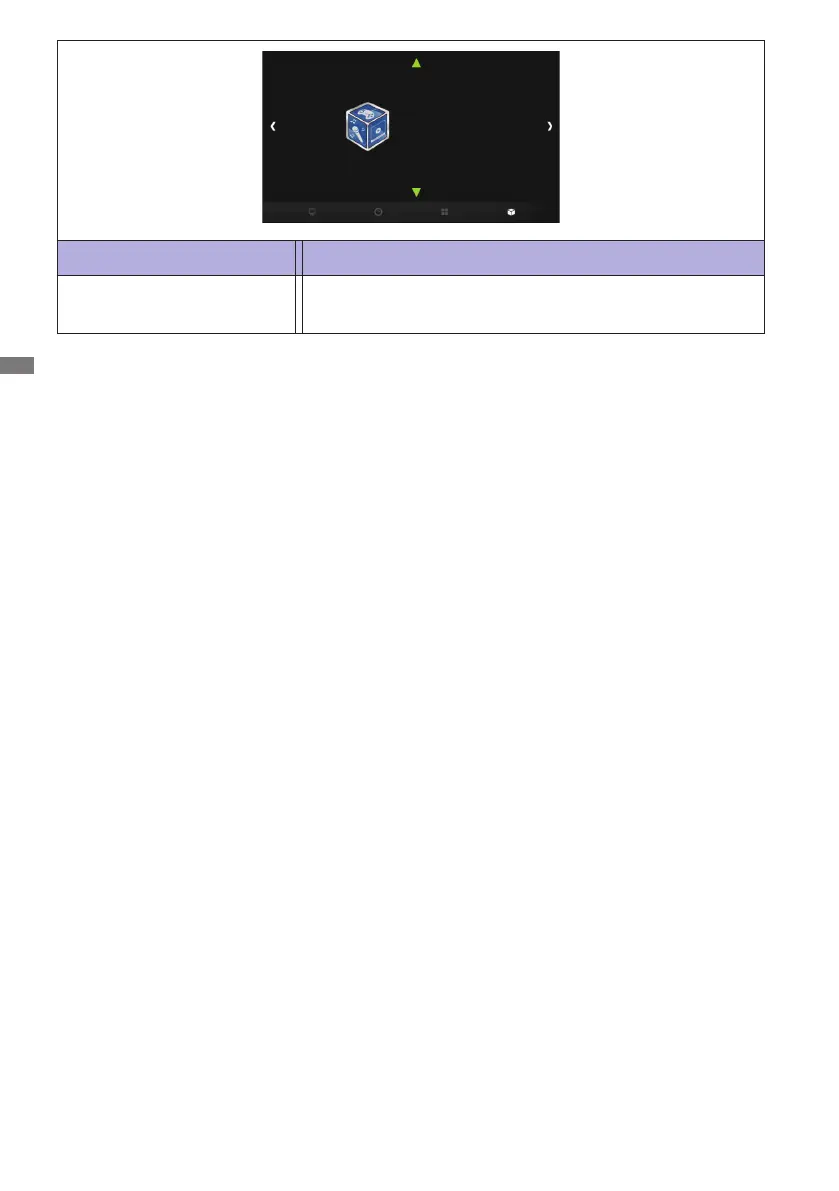
Applications
Applications
Media Player
Media Player
Go to the Media Player menu.
[Play Multimedia Files]
You can play photos, music, movies and texts on your monitor from:
· A USB device connected to this monitor.
Play multimedia les from USB device
ToplaylesonanexternalUSBstoragedevice,simplyplugthedeviceintotheUSBAjackonthe
monitor.
1. Connect your USB device to the USB port on this monitor.
2. In the "Applications" of the OSD menu, select Media Player.
3. Uses the remote control and follow the On - Screen instructions to operate.
USB Standard:
USB2.0
Supported le system:
FAT32



 To Next Page