ENGLISH
OPERATING THE MONITOR 21
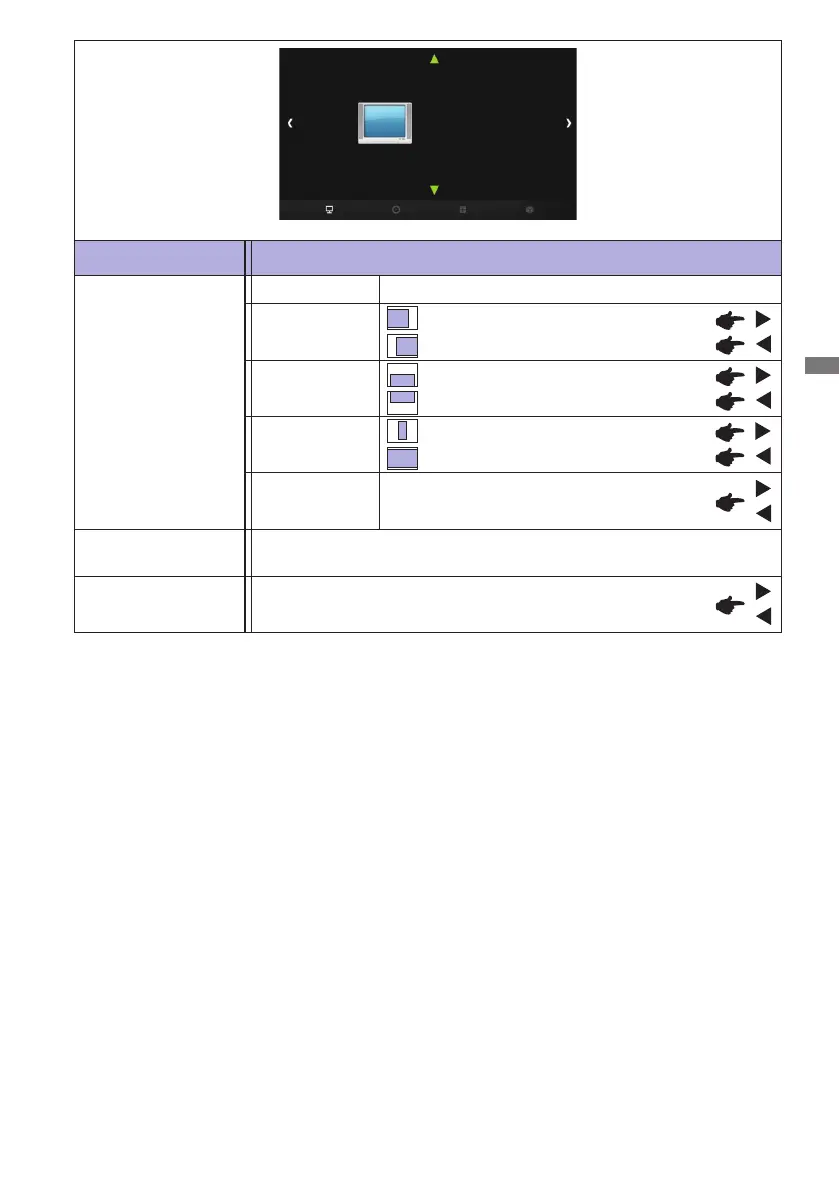
Adjustment Item Problem / Option Button to Press
PICTURE
PICTURE
Picture Mode
Color Temperature
Aspect Ratio
PC
Gamma
Backlight
PC *
4
Auto Adjust *
5
Adjusts Position, Size and Phase automatically.
Size
Too narrow
Too wide
Phase
Tocorrectickeringtextorlines
Horizontal Pos.
Too far to the left
Too far to the right
Too low
Too high
Vertical Pos.
Gamma *
6
You can set the Gamma.
1.8 / 2.2
Backlight
Brightness of back light is reduced.
*
4
Only PC-RGB(VGA) input.
*
5
For best results, use the Auto Adjust in conjunction with the adjustment pattern. See page 30 for
SCREEN ADJUSTMENTS.
*
6
This item is switched by pressing the OK button successively.



 To Next Page