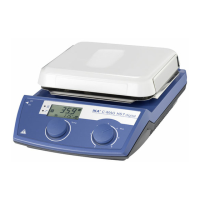
10
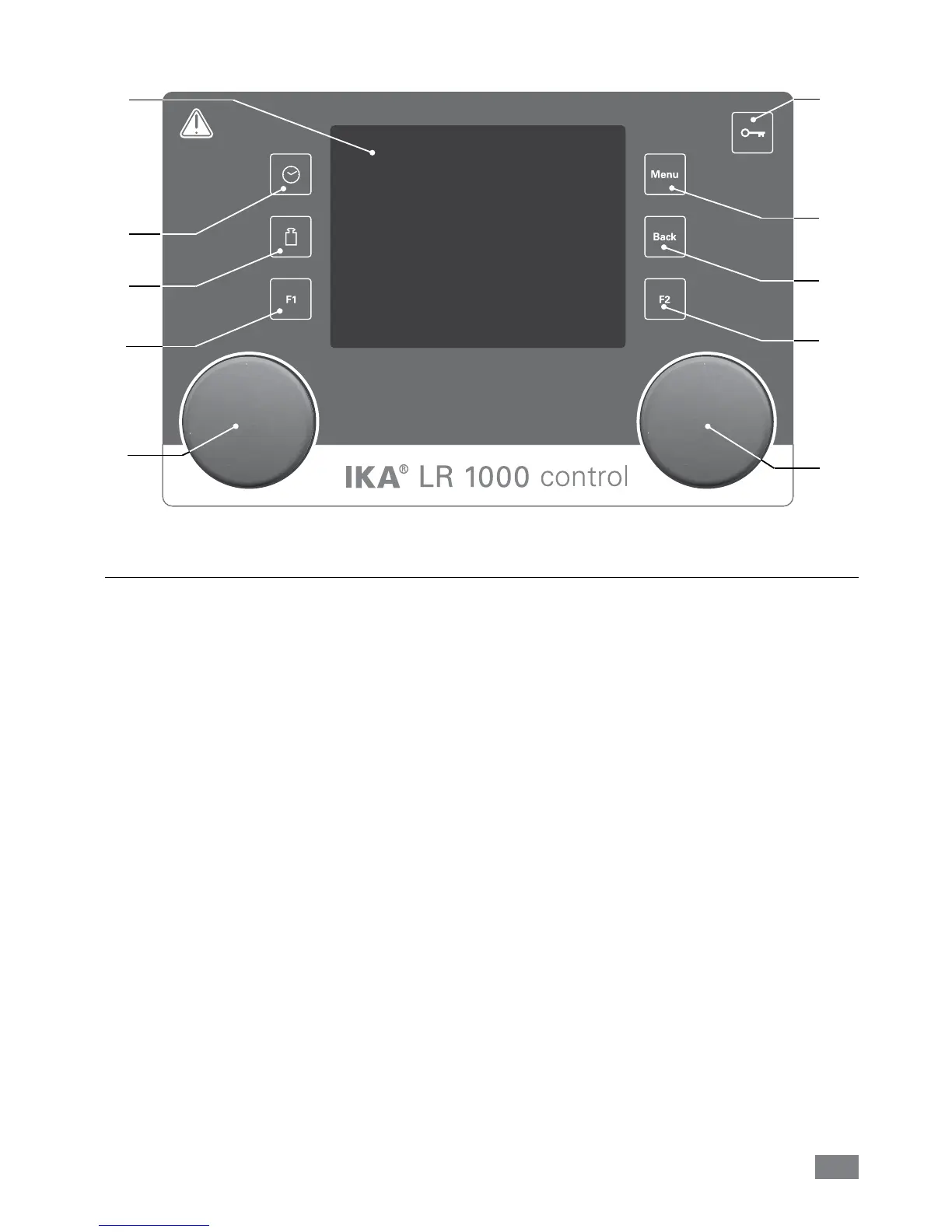
Item Designation Function
A Rotating/pressing knob: Start/stop the stirring function
Change the settings of stirring speed in working screen
Navigation, selecting and changing the settings in the menu
B Rotating/pressing knob: Start/stop the heating function
Change the settings of the temperature in working screen
F Key button: Lock/unlock knobs and keys
S “Menu” button: Press it once: main menu is displayed
Press it a second time: back to the working screen
T “Back” button: Return to the previous menu level
U Timer button: Enable timer display
V Weighing button: Enable weight display
W Display: Display and setting information
X F1 button: not currently assigned
Y F2 button: not currently assigned
A
B
S
T
F
U
V
X
Y
Fig. 12
•
LR 1000 control:
W


 To Next Page