26
27
Remove the protective film from the mounting plate before use! The “Back” menu key is used to change between menu items.
Start-up
Stirring
Heating
Connecting an ex
-
ternal thermometer
(direct temperature
control in the me-
dium)
Weighing
(in manual mode)
pH measurement
Timer
F Set the main switch (A) to the OFF position
F Insert the power supply cable into the mains socket (K)
F Set the main switch (A) to the ON position
a Standard mode A is selected (see “
Menu (details)
”)
F Set the speed using the rotary knob (D)
a The set value is shown on the display (J)
F Press the rotary knob (D) to start the stirring function
i a The symbol (16) appears when the motor is active
F Set the safety temperature limit (see “
Menu (details)
”)
F Set the target temperature using the rotary knob (C)
a The set value is shown on the display (J)
F Set the temperature control mode (see “
Menu (details)
”)
F Press the rotary knob (C) to start the heating function
The target and current temperature are shown permanently on the display (J):
i a When the heating function is switched on, the heating symbol (4) is displayed.
The maximum adjustable heating plate temperature setting is 340 °C
i a Whenever the mounting plate is at a temperature above 50 °C, the display (J) shows and the current tempera
-
ture is shown, even if the device is switched off.
F Set the main switch (A) to the OFF position
F Connect the safety contact thermometer compliant with DIN 12878 Class 2 or temperature sensor PT 100 (individual
sensor) or PT 1000 (double sensor) to socket (L)
F Set the main switch (A) to the ON position
i Temperature sensor PT 100 a The current temperature (5) for the temperature sensor shown on the
display(J) corresponds to the temperature of the medium. The “Exter
-
nal temperatureprobe” symbol (11) appears.
i Temperature sensor PT 1000 a The current temperature (5) for the temperature sensor shown on the
display(J) corresponds to the temperature of the medium. The “Exter
-
nal temperatureprobe” symbol (11) appears. The temperature of the
carrier fluid (3) is also displayed.
FPress the (G) key
FWait until the system is stable (once the system is stable, a “g” appears after the digit 0).
FPlace the weight in the centre of the heating plate and wait until the system is stable again.
iaThe maximum display range is up to 2000g
aThe weighing range is max. 5000g
aIt is only possible to use the weighing mode when the heating and stirring functions are not active.
iaThe weighing module can be calibrated.
aSee section entitled “
Menu (details)
”
FPress the (H) key
F Set the time in hours, minutes and seconds by turning the knob (D) and confirm by pressing it; the timer function startsto
count down the remaining time once the heating or stirring function has started (see “
Menu (details)
”).
i
Once the timer reaches 0, the heating function is switched off, even if the motor has only just been started.
If the heating is activated during the timer sequence,
only the heating is switched off, but the motor continues
torun (delay in boiling).
Operation
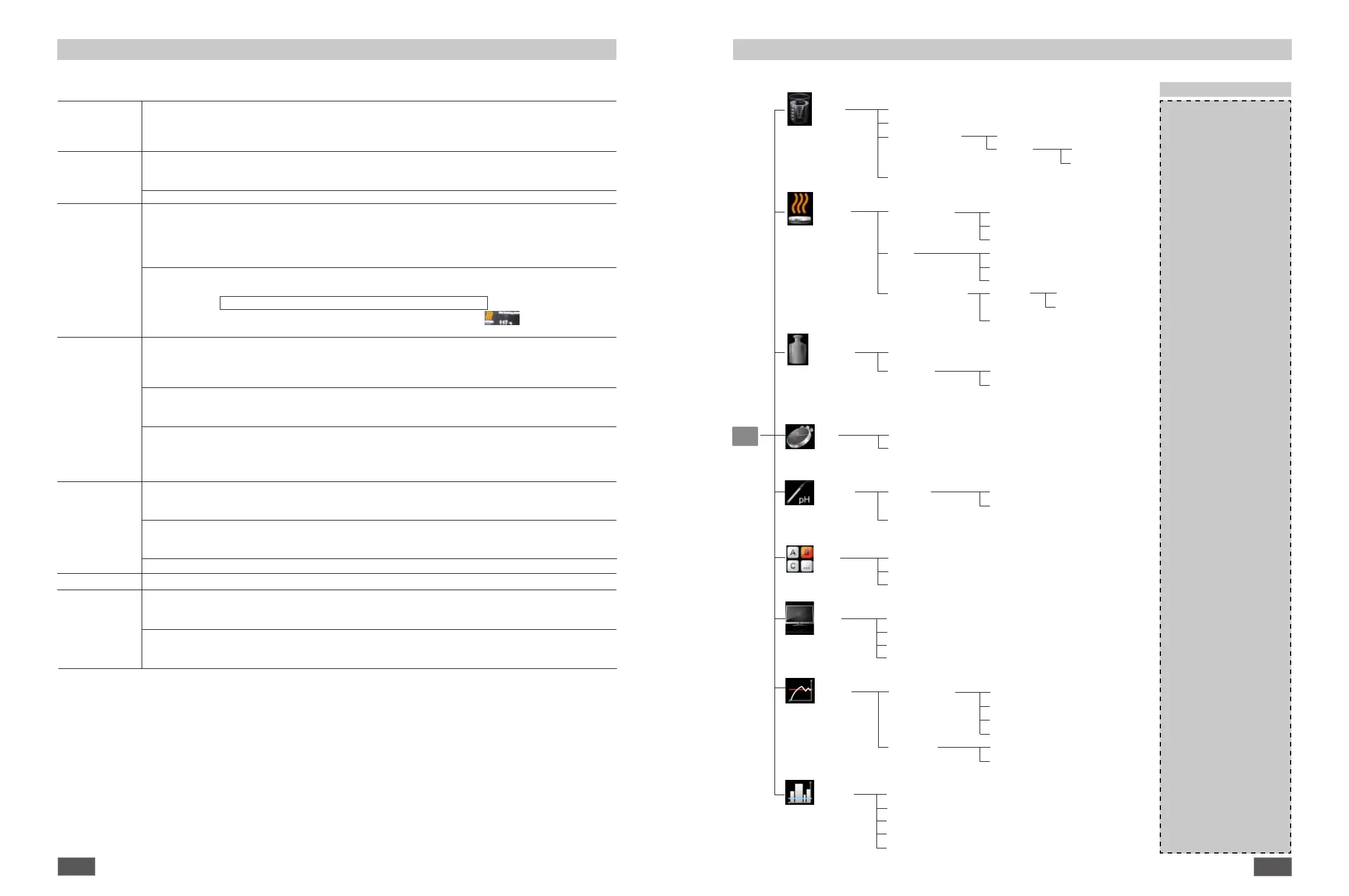
Menu structure
Mode
A
………………………………………………………………….........…………..
A
B
…………………………………………………………………….........………..
-
C
…………………………………………………………………….........………..
-
Display
Torque trend measurement
…………………………………………….............
-
pH value
……………………………………………………………………..........
-
Timer
…………………………………………………………………..…………..
-
Graph
…………………………………………………………………..…………..
-
Factory settings
Menu
Stirring
Torque trend measurement...........…………………………………………………
-
Stirring bar decoupling……………………………………………………………..
-
Intermittent Mode
Run/Stop
…………………………………........
-
Interval Run Time
…..…………...
00:00 [mm:ss]
Stop Time
……………….
00:00 [mm:ss]
Speed limit…………………………………………………...........……….............
1700 rpm
Heating
Control method
Fast PID (fPID)……………………………………...
fPID
Accurate PID (aPID)
……………………………..
-
Two - point (2pt)
………………………………...
-
Limits
Medium limit……………………………………...
-
Carrier limit
……………..............………………..
-
Limit information
………………………………...
-
Temperature sensor
Calibration 2-point Calibration ..………...
-
3-point Calibration
………...
-
Reset Calibration
…..…..............………………..
-
Weighing
Measurement
.............……………………………………...
............................
-
Calibration
2-point Calibration……...………………………...
200...5000 g
3-point Calibration
….................………………..
200...5000 g
Timer
Set
…………………………………………………………………………………..
00:00:00 [hh:mm:ss]
Display
……………………………………………………………………………..
-
pH probe
Calibration
2-point Calibration……...………………………...
-
3-point Calibration
….................………………..
-
Display...........................................................
…..…..............………………..
-
Graph
Axis Assignment
Temperature…………………………………….....
-
Speed
……………………......................………..
-
Torque
………………………………....................
-
pH
………………………………..........................
-
Axis Scaling
Automatic……………………………………........
-
Manual
……………..............…………….......…..
-
Programs
Program 1
……………………………………………..........................................
-
Program 2
……………………………………………………………………..........
-
Program 3
………………………………………………………………….......…..
-
Program 4
………………………………………………………………......……..
-
Program 5
………………………………………………………………......……..
-
Menu (overview)


 To Next Page
 Loading...