19
O
PTIONAL SETTINGS
MENU SCREEN
This section describes the overview of the menu
screen displayed when you press
[MENU].For
more details, see the reference page for each item.
The menu screen consists of the function setting
items below.
• PICTURE
You can adjust the picture quality (BRIGHT, CON-
TRAST, COLOR, TINT, SHARPNESS).
(Refer to "PICTURE ADJUSTMENT" on page 20.)
• CHANNEL SET
You can automatically scan the receivable chan-
nels and add or delete the channel as necessary.
(Refer to "AUTO PRESET CH" on page 28.)
• ENG/ESP/FRA
You can change the language (ENGLISH, SPAN-
ISH, FRENCH) displayed in the menu screen.
(Refer to "LANGUAGE SELECTION" on page 31.)
• V-CHIP SET UP
You can set the viewing limitations.
(Refer to "V-CHIP" on page 24.)
• CAPTION
You can change the display format for CLOSED
CAPTION, which displays the dialogue of a TV
program or other information across the screen.
(Refer to "CLOSED CAPTION" on page 21.)
• DTV SET UP
You can set the screen display or CAPTION in the
DTV mode.
(Refer to "CHANGING THE SCREEN DISPLAY
MODE" on page 27.)
NOTES:
• "DTV SET UP" can be displayed only in the DTV mode.
• To move to the normal screen, press
[MENU].
SLEEP TIMER
The SLEEP TIMER function will automatically turn
off the power of the unit at a preset time.
1
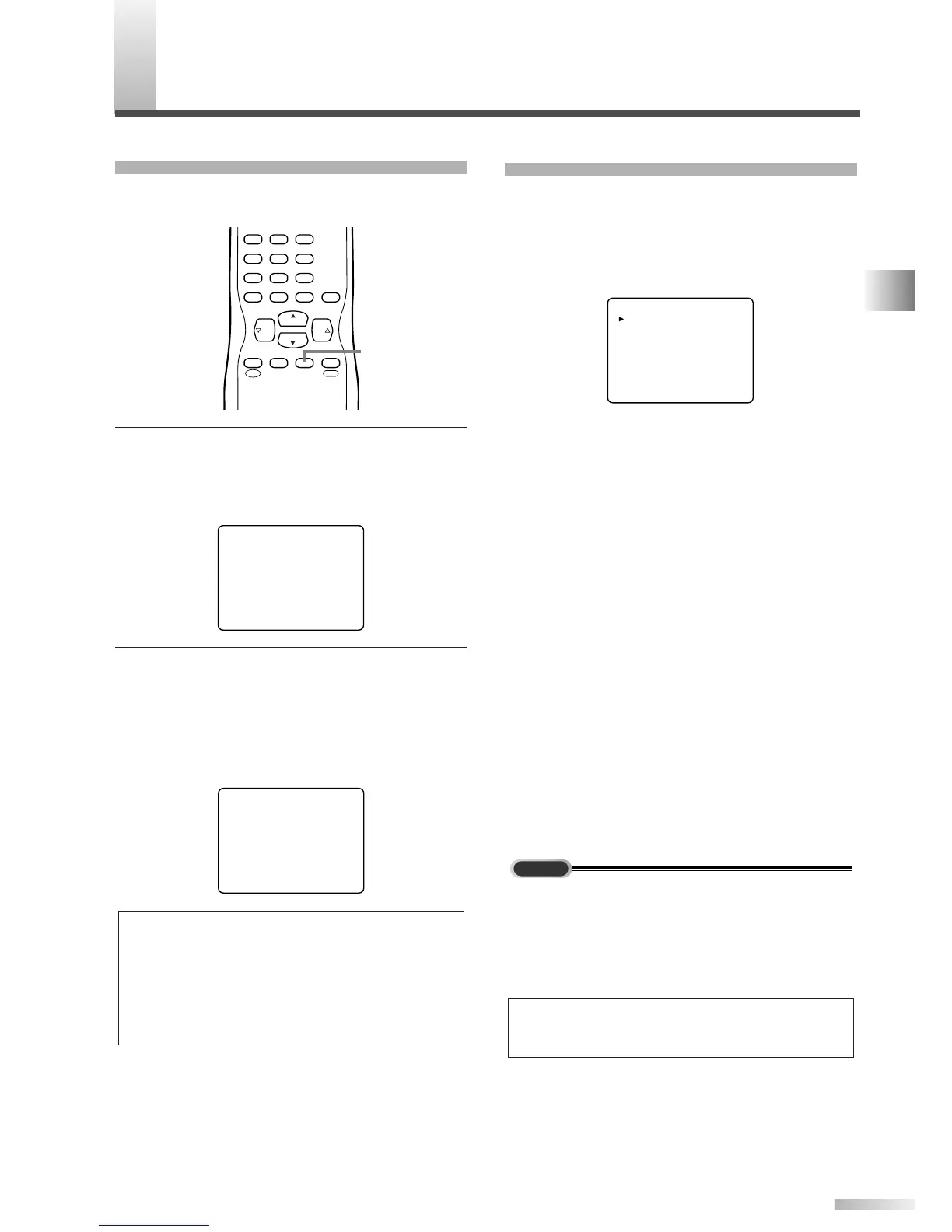
Use SLEEP TIMER.
• Press
[SLEEP] on the remote control.
• The setting display for SLEEP TIMER is shown
in the screen.
2 Set the timer.
• Every time you press
[SLEEP], the time
increases by 10 minutes.
• You can set the timer up to 90 minutes.
• After setting, you can check the remained time
per 1 minute by pressing
[SLEEP].
NOTES:
• When you disconnect the unit from the AC outlet or when a
power failure occurs, the sleep timer setting will be can-
celed.
• To cancel the sleep timer, press
[SLEEP] repeatedly until
"SLEEP 0" is displayed.
• The Sleep Timer setting display will automatically disappear
after 10 seconds.


 To Next Page