27
CHANGING THE SCREEN DISPLAY MODE
2 types of display modes can be selected in the digi-
tal mode.
You can select your favorite display mode and enjoy
the program.
1
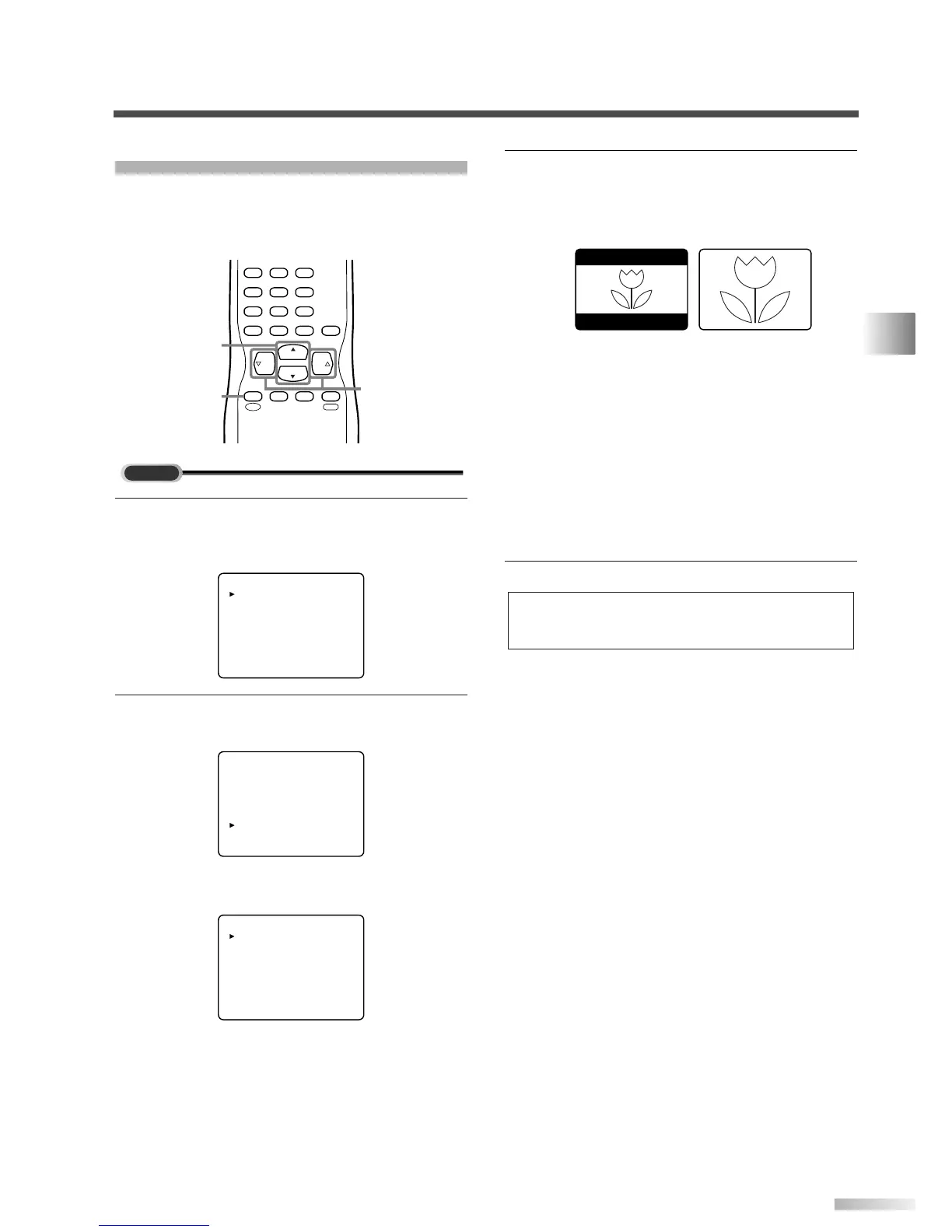
Display the menu screen.
• Press
[MENU].
The following menu screen is displayed.
2
Select "DTV SET UP".
• Using
[CH
K
/
L
], select "DTV SET UP".
• When you press
[VOL
X
], the menu screen will
be displayed as below.
3 Select the display mode.
• Every time you press
[VOL
X
/
Y
],
"LETTERBOX" and "ZOOM" will be switched
alternately.
[LETTERBOX]
Display the digital-supported program in full-
screen.
Black borders will spread in the upper and
lower screen.
[ZOOM]
Enlarge and display the center area of the digital-
supported program.
The right and left side of image will be cut off.
4 To exit the menu, press [MENU].
NOTE:
You may not switch the display mode depending on the pro-
gram.


 To Next Page