26
EN
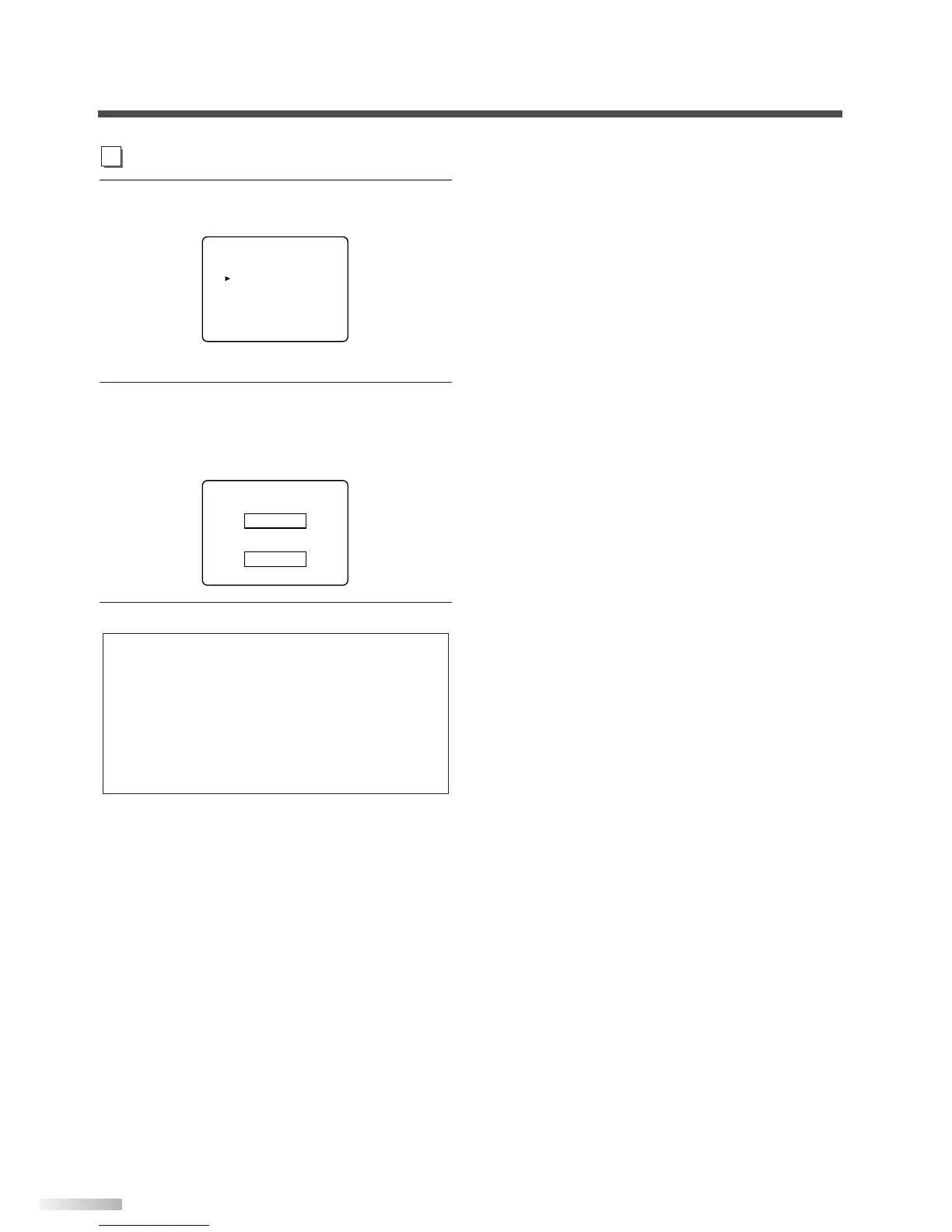
4 Display the "CHANGE CODE" screen.
• Using
[CH
K
/
L
], select "CHANGE CODE".
• Press
[VOL
X
].
5 Change the access code.
• Use
[the Number buttons] on the remote con-
trol and enter the NEW CODE (4-digit).
• Enter code again in CONFIRM CODE space.
6
To exit the menu, press [MENU].
NOTES:
• Make sure to enter the exact same new code in the
"CONFIRM CODE" space as one in the "NEW CODE"
space. If they are different, the "NEW CODE" space is
cleared for reentering.
• Your personal access code will be erased and return to the
default (0000) when a power failure occurs or when you turn
off the power using a wall switch. If you forget the code,
unplug the power cord for 10 seconds to restore the access
code to 0000.


 To Next Page