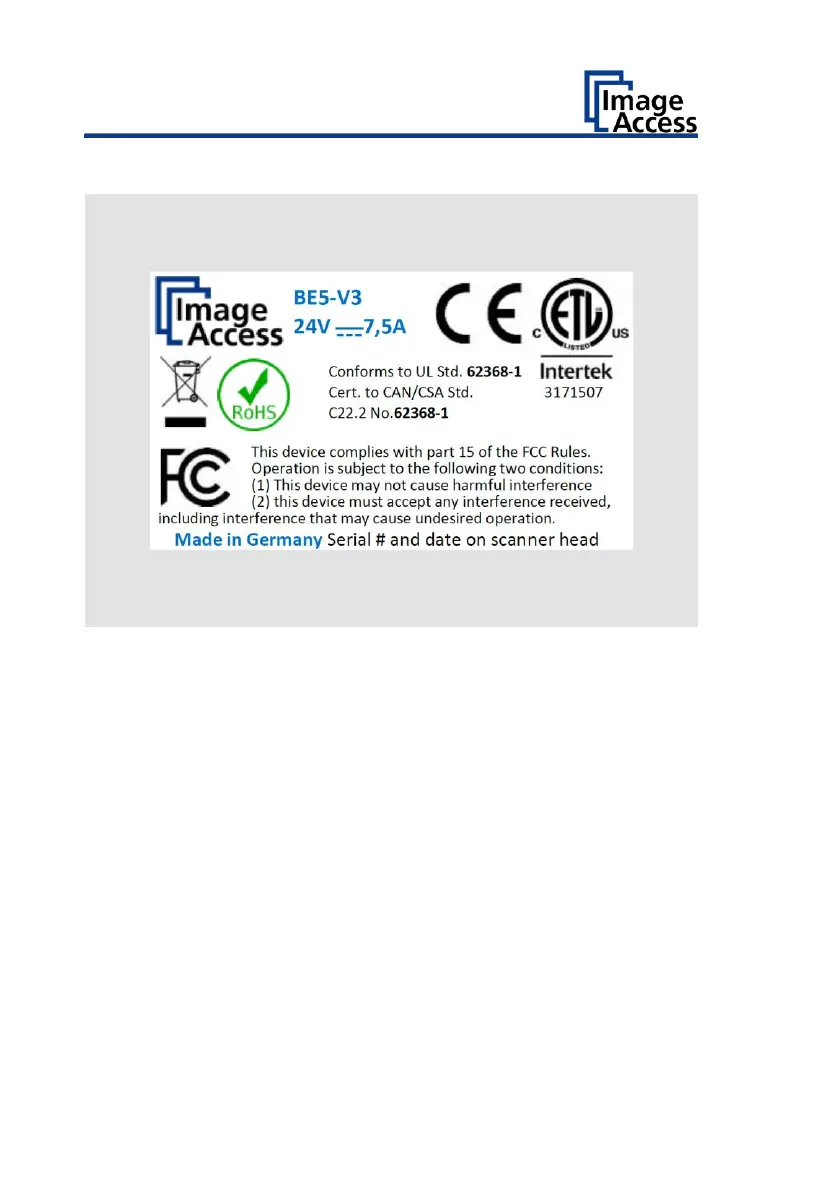
The following figure shows the Bookeye® 5 V3 rating plate.
Serial Number
The serial number of the scanner is located on the back of the scanner
head.
Please have the serial number available for support requests.
User Interfaces
The scanner can be operated in five ways.
• Via the touchscreen and the ScanWizard Touch user interface.
• Via EasyScan or a customer application.
• Via a standard web browser and the ScanWizard Client user interface.
• Via the optional Scan2Pad® hotspot.
• Via external scan applications.













 To Next Page