White balance starts and calibration is performed. A rotating icon is
displayed during white balance. The test pattern is transported back and
forth in the document transport. The entire white balance process takes
approximately 18 seconds.
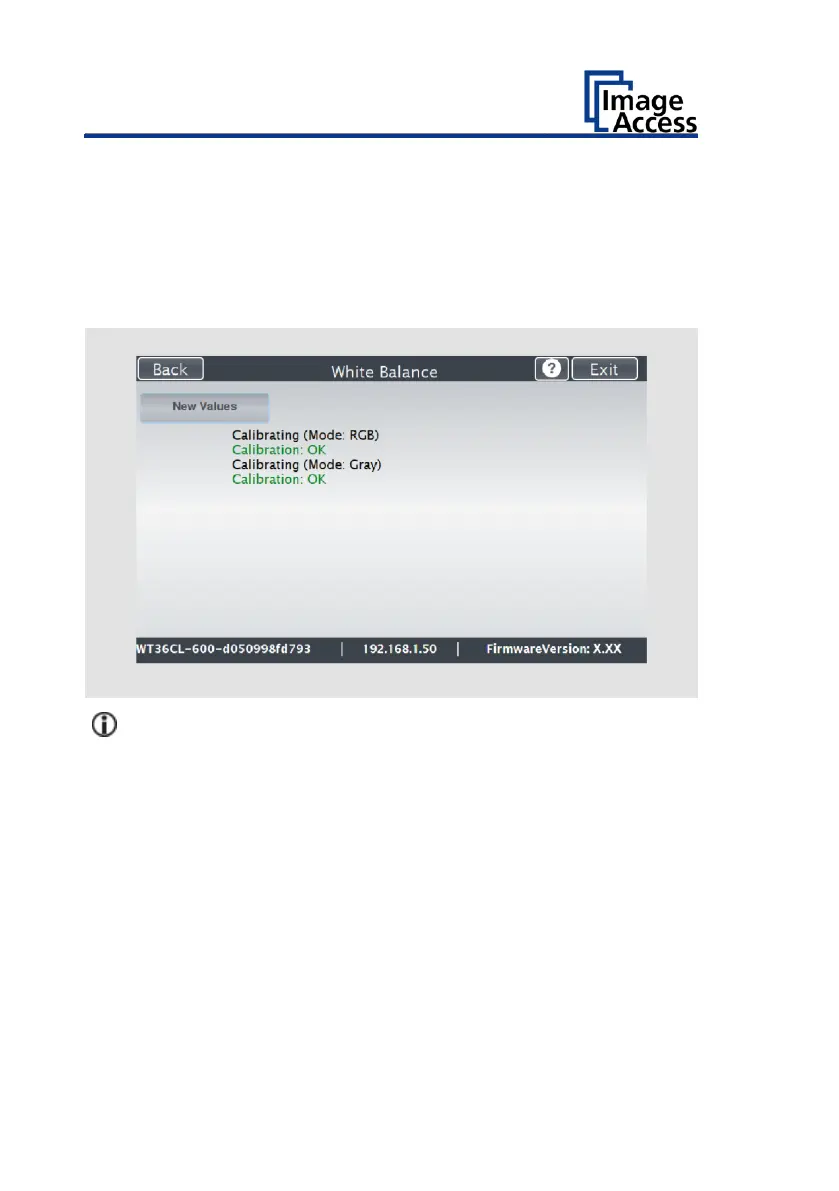
Afterwards, the white balance result is displayed as shown below as an
example.
If the white balance is correct, the result is displayed in green.
An incorrect result is displayed in red. In this case, perform the white
balance again.











 To Next Page