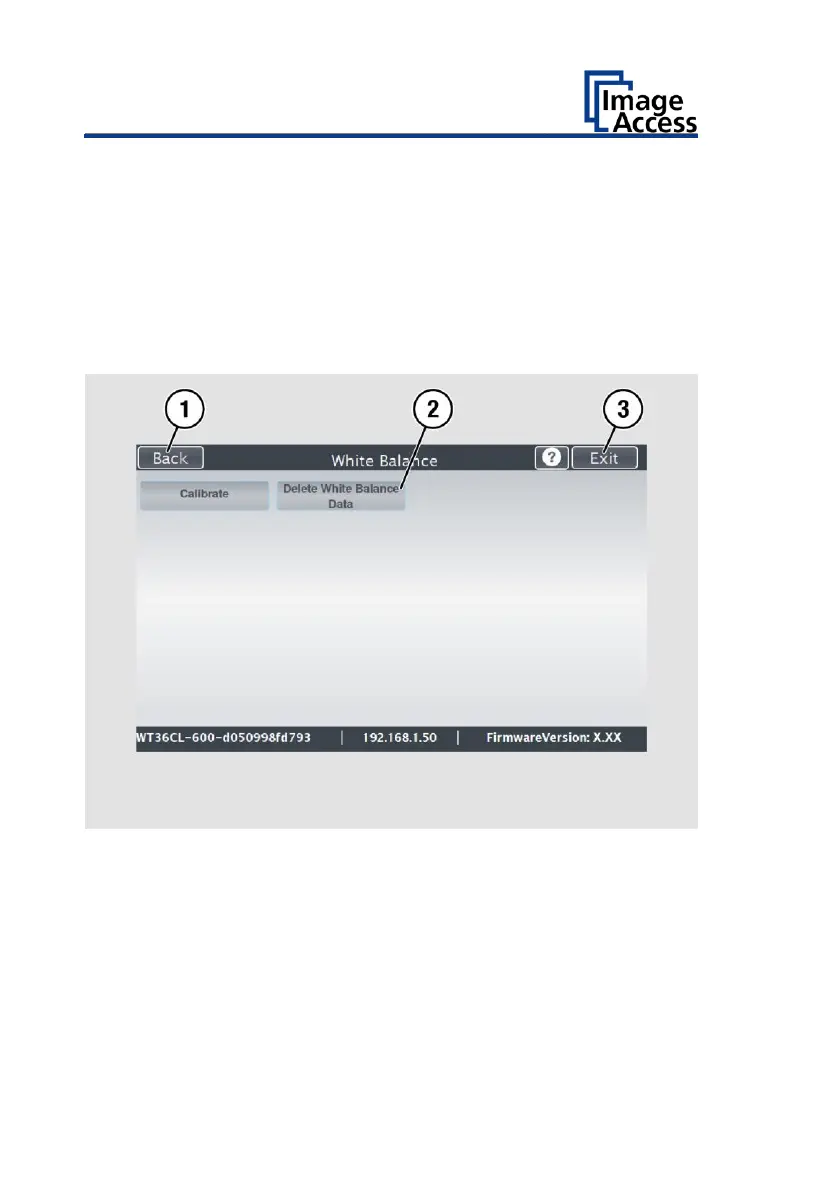
➢ To delete the stored white balance data, tap CLEAR WHITE BALANCE
DATA (2).
➢ After deleting the stored data, perform white balance again as
described.
➢ If you encounter any problems while performing white balance, contact
Image Access Technical Support immediately, see the Technical Support
section beginning on page 8.
➢ To return to the previous submenu, tap BACK (1).
➢ To return to the Home Screen, tap EXIT (3).
After the white balance has been successfully adjusted, follow the steps
below:
➢ Remove the test template.
➢ Replace the transport aids.
➢ Store the test pattern away from daylight.
➢ Make sure that the test pattern is not damaged, bent or contaminated.











 To Next Page