Alternatively, switch the scanner into the standby mode as follows:
Press the blue illuminated power button and hold it for six seconds.
The scanner shuts down. This process can take up to 40 seconds.
The power button lights up red. The scanner is in standby mode.
To switch off the scanner for longer periods, proceed as follows:
Make sure that the scanner is in standby mode.
The power button is illuminated in red.
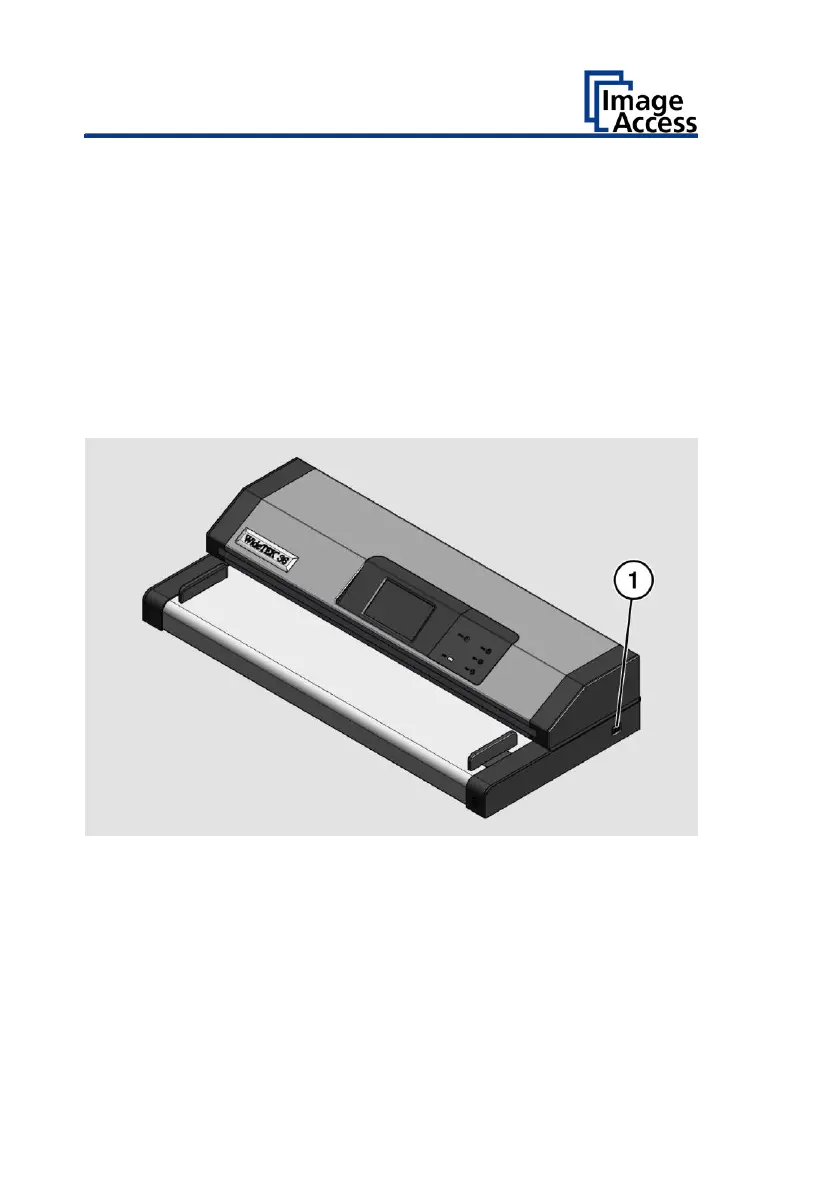
Press the MAIN SWITCH (1) in the "0" position.
The following diagram shows the scanner model WideTEK® 36.










 To Next Page