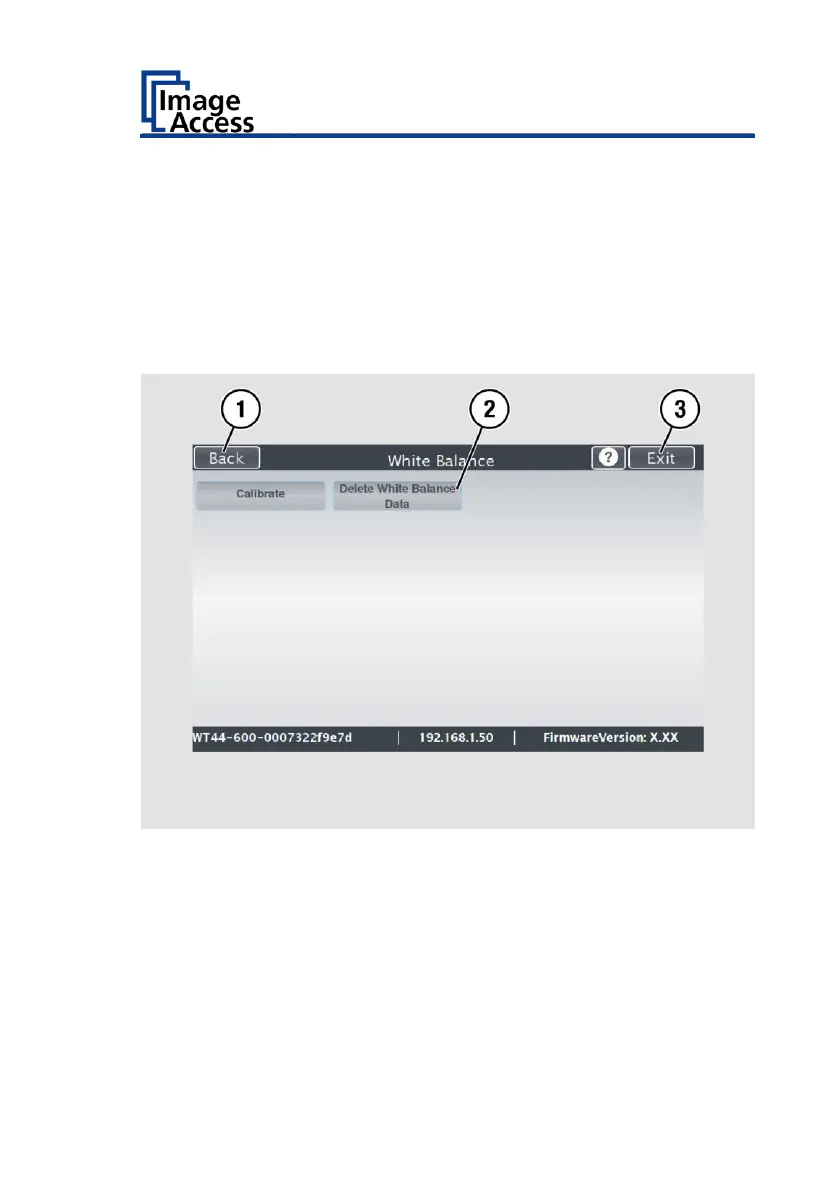
To delete the stored data of the white balance calibration, tap DELETE
WHITE BALANCE DATA (2).
After deleting the stored data, run the white balance again, as
described.
If problems arise during the white balance calibration, contact Image
Access technical support, see section Technical Support starting at page
6.
To return to the previous submenu, tap BACK (1).
To return to the "Start screen", tap EXIT (3).
After a successful white balance, proceed as follows:
Remove the test target.
Put the transport guides back into their position.
Store the test target in a place which is protected from daylight.
Ensure that the test target is not damaged, bent or soiled.










 To Next Page