DA-6804+D
Installation and Operation Manual
13
Copyright © 2011, Harris Corporation
Alarms for the DA-6804+D modules are logged and monitored by software
control applications. See the your software control user manual or online help for
more information.
Web Browser Control
NOTE: This interface requires an Ethernet connection. Your frame must
have an 6800+ETH
or ICE6800+ module installed.
To use this control method, open a web browser and enter the IP address of the
frame in the
Address field, and then click Enter at the 6800+ Control Interface
display.
A tree view of the frame and its contents is displayed at the left
of the screen. Click
the + button (or click on the component name) to expand the tree view.
Information corresponding to the selection is displayed in the control pane to the
right of the tree view.
Click the - bu
tton to collapse the tree view.
When you select the frame and
slot for a distribution amplifier module location,
the software displays the item list in the tree view and the item values on the
control panel.
Read-only parameters are displayed as black characters w
ith a grey background.
Adjustable parameter values are displayed as black characters with a white
background; these boxes appear grey if Jumper J3 is set to LOCAL.
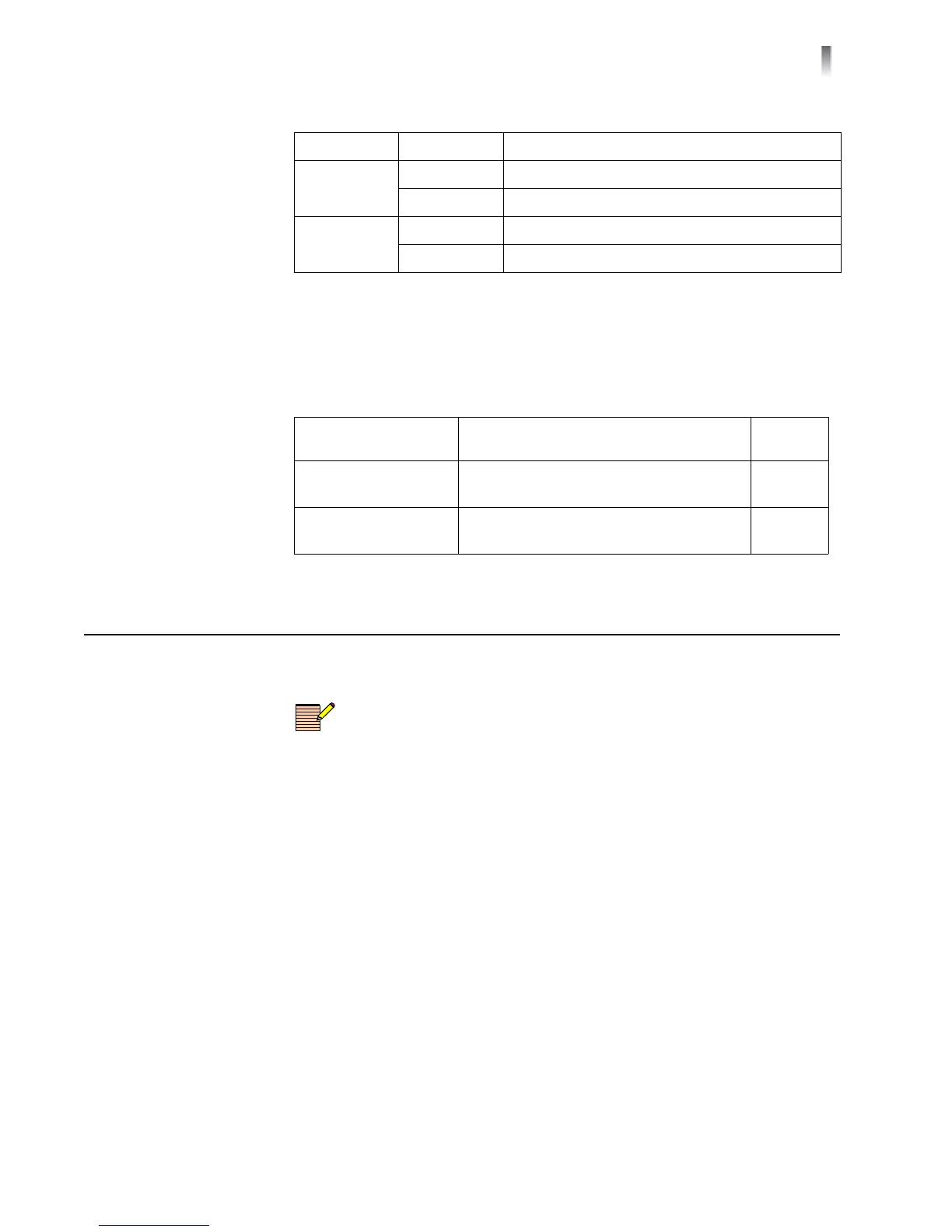
1.5G Green Input signal is reclocked at 1.485 Gb/s
Off Input signal is not reclocked
3.0G Green Input signal is reclocked at 2.97 Gb/s
Off Input signal is not reclocked
Table 3-3 Alarm Defin
itions
Alarm Name Alarm Description
Alarm
L
evel
Ch. 1 and 2
Loss of Input
The input signal for the designated
channe
l is missing.
Major
Ch. 1 and 2
Loss of Lock
The input signal for the designated
channe
l is not locked.
Major
Table 3-2 Sign
al Condition LED Descriptions (Continued)
Name Color Function



 To Next Page