Chapter 3
Operation
14
Copyright © 2011, Harris Corporation
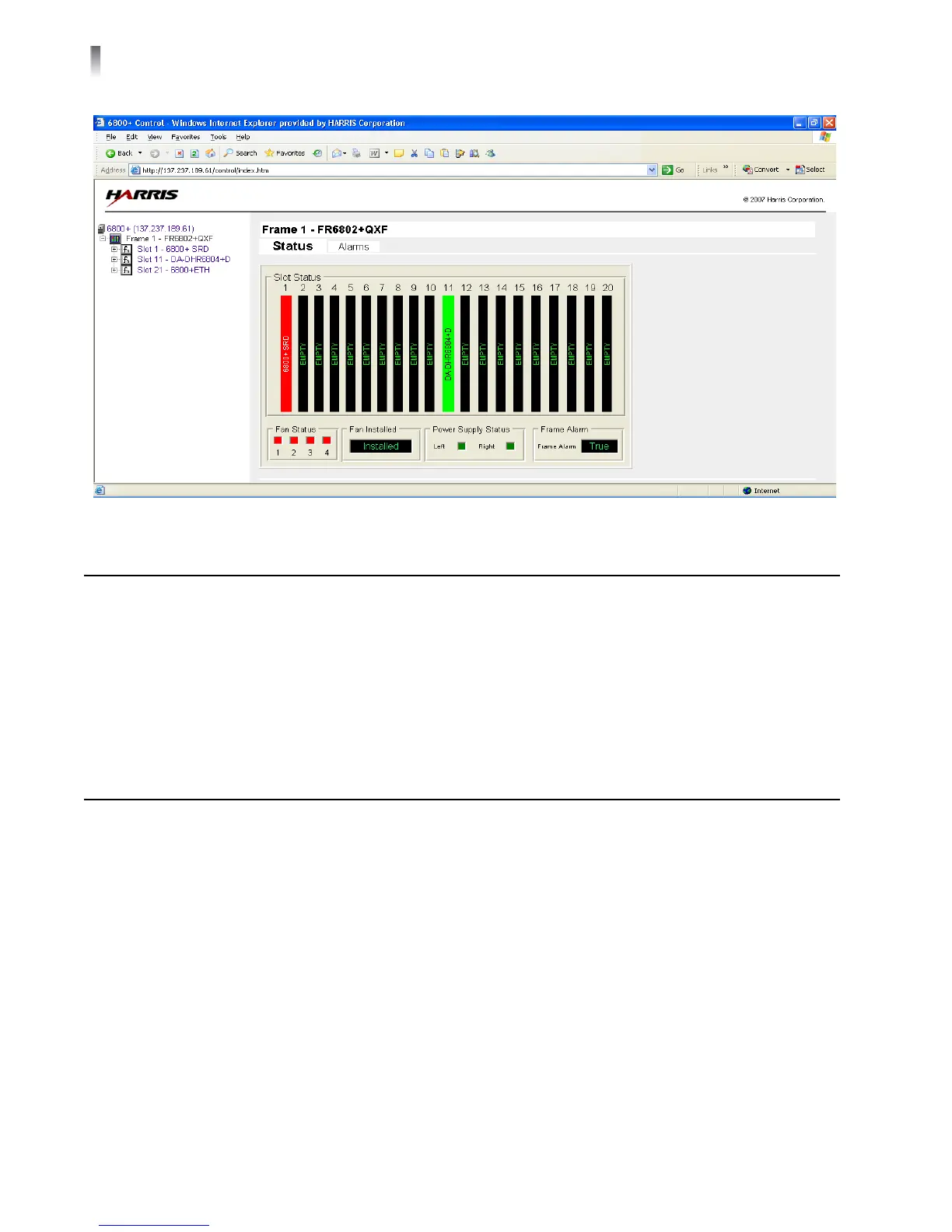
Figure 3-2 Web-Enabled Control Display
CCS Navigator Control
In CCS Navigator, when you select the frame and slot for the module location, the
software displays the item values on the control pane.
Read-only parameters values are displayed as gr
een characters on a black
background. Adjustable parameter values are displayed as black characters on a
white background; these boxes appear grey if Jumper J3 is set to LOCAL.
Operating Notes
When you set the control parameters on DA-6804+D series distribution amplifiers,
observe the following:
If you make changes to certain parameters, other related parameters may also
be affected.
When you change a parameter, the effect is immediate. However, the module
requires up to 30 seconds to save the latest change. After 30 seconds, the new
settings are saved and will be restored if the module loses power and must be
restarted.



 To Next Page