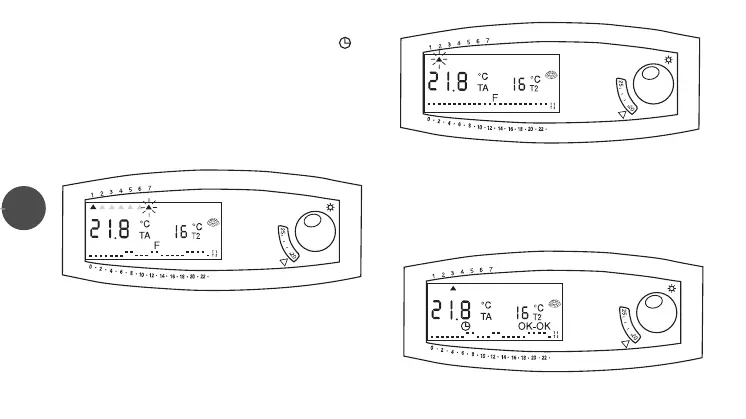
To ACTIVATE the program:
• Press the
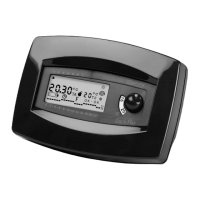
F button and check if the symbol “clock” ( ) and
the reading “OK-OK” are on display (fig.11).
NOTE:
- During “PROGRAM SETTING” if there are no operations
for about one minute, the unit will automatically go back
to the starting mode.
- When first installed, the weekly program is set on
“T1”NORMAL temperature for every hour of the day
20
(fig.9)
(fig.10)
(fig.11)
LIBR. CRX/E INGLESE 24-01-2000 16:42 Pagina 21


 To Next Page