ture "T2" (6°C/14°C/16°C/18°C or 38°C/30°C/28°C/26°C).
• Press
three times the F button to activate the NORMAL temperature “T1” (knob “sun ✲”)
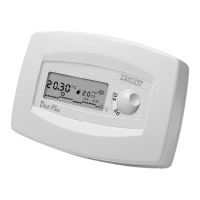
When in “override” the letter “F”, the override symbol (
❄; T1 or T2) and the “hours/temperature” chart will blink on the display.
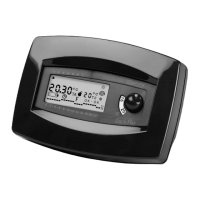
(fig.13).
NOTE:
Pressing the F button when the chronothermostat is in “override” at NORMAL temperature "T1", it takes the unit
back to normal operation under the ACTIVE program, indicated by the symbol “clock” ( ) and by the reading “OK-
OK”on the display.
13. SUMMER/WINTER SETTING
The chronothermostat can be programmed for “summer” or “winter”operation, whether is connected to the air conditioner or
to the boiler.
• Switch the selector on the “sun” position (
✲) for “summer”
mode or on the “igloo” position ( ) for “winter” mode (fig.14)
In both cases, either (
✲) or ( ) will appear on the display to
show which mode is on.
23
LIBR. CRX/E INGLESE 24-01-2000 16:42 Pagina 24


 To Next Page