16
7. CHRONOTHERMOSTAT START-UP
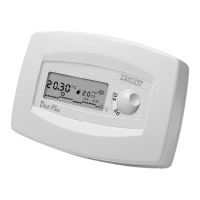
After inserting the batteries, thus powering the chronothermostat, press the reset button (R) for 2-3 seconds with a pencil
point. All the available cursors and symbols will then be displayed for a few seconds (self-test).The chronothermostat is then
ready for CLOCK SETTING.
NOTE:
For a PROPER use of our product, from here on all the instruction paragraphs should be read in SEQUENCE, as per
manual!
8. CLOCK SETTING
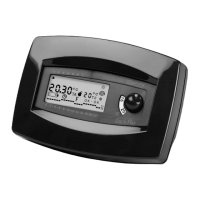
During this step, the display shows two hour-digits and two
minute-digits.The first digit on the left will blink (fig.1).
Switching down or up the micro-switches positioned under the
digits from “
0 to 9”, will set the current time and day.
The following example shows how to set Wednesday, 09:55:
• Switch the micro-switch “
0” to set the first digit on the display
(the second digit will blink) (fig.2).
• Switch the micro-switch “
9” to set the second digit on the
display, thus completing the HOUR setting (the third digit will
(fig.1)
LIBR. CRX/E INGLESE 24-01-2000 16:42 Pagina 17


 To Next Page