17
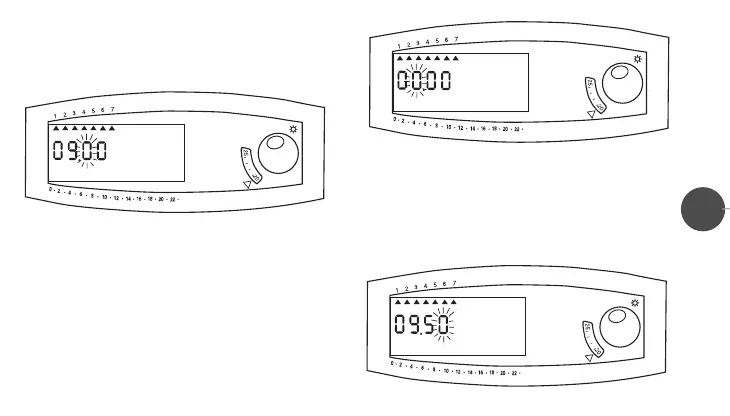
blink) (fig.3).
• Switch the micro-switch “
5” to set the third digit on the display
(the fourth digit will blink) (fig.4).
• Switch again the micro-switch “
5” to set the fourth digit on the
display, thus completing the MINUTE setting (now the day-of-
the-week “little triangles” will be blinking: 1=Monday;
2=Tuesday …… 7=Sunday) (fig.5).
• Switch the micro-switch “
3” to set on the display the “little
triangle” positioned under the third day of the week
(Wednesday “3”).The CLOCK SETTING is now completed.
(fig.2)
(fig.3)
(fig.4)
LIBR. CRX/E INGLESE 24-01-2000 16:42 Pagina 18



 To Next Page