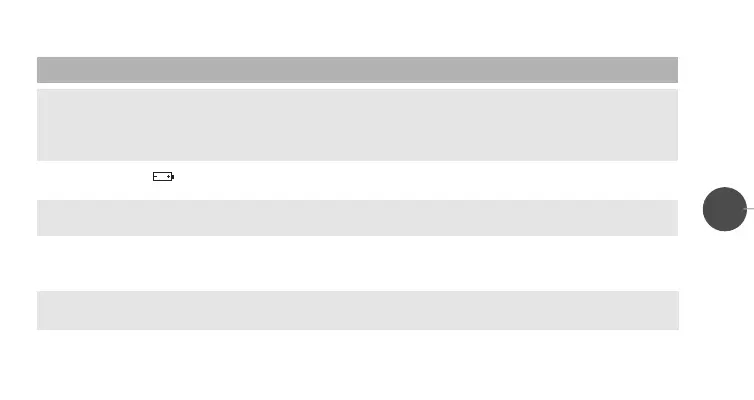
PROBLEM POSSIBILE CAUSE SOLUTION
The displayed room temperature
does not correspond to the real one
The display reads “ ” or “EEEE”
The front cover does not open
easily
After pressing the reset button (
R),
the display does not light up
The chronothermostat has an
“irregular” behavior
NOTE: in case of repeated malfunctioning, please call service. Do not tamper, for any reason, with any part of the
chronothermostat.
9. Wrong location of the chronother-
mostat in the installation room
10.Air draft coming from the wire
conduit
11.Low batteries
12.Wrong opening procedure
13.The reset button (
R) got stuck
under the plastic
14. Non-alkaline batteries
9. Follow the instructions in chapter 6,
paragraph “placement”.
10.Seal the conduit to prevent hot or
cold air drafts
11.Replace batteries and press the
reset button (
R)
12.Lift the left side of the cover and
then open it towards the left
13.Release the button by using a
pencil point, so that it goes back to
its proper position
14.Use alkaline batteries, type LR6
27
LIBR. CRX/E INGLESE 24-01-2000 16:42 Pagina 28


 To Previous Page