29
STV75 ed 01/08 VICTRIX 75
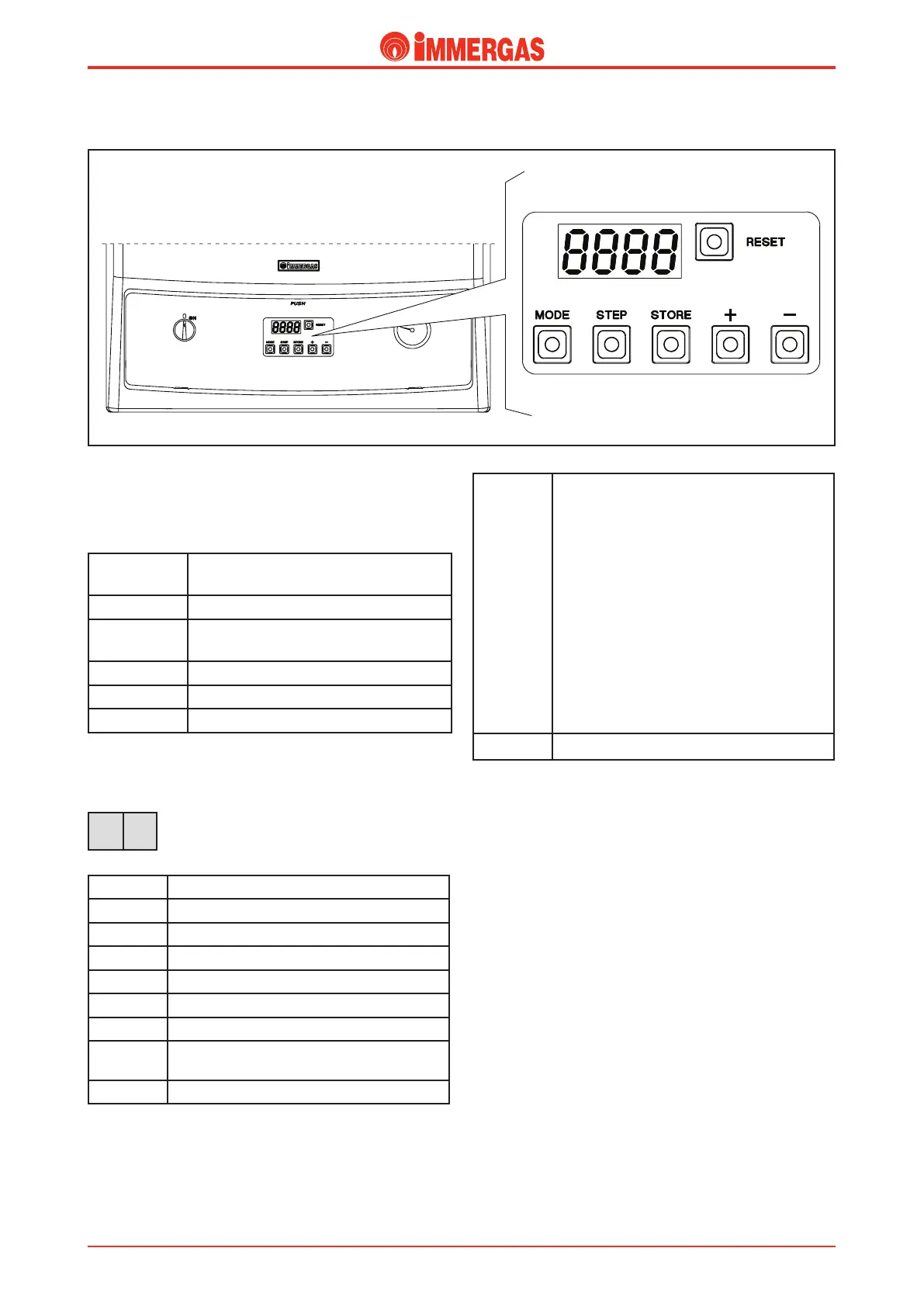
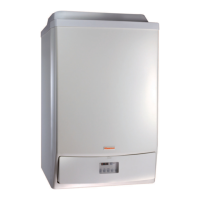
e boiler is equipped with a self-adjustment board that can be
accessed after the cover has been opened; it consists of a 4-digit
display and 6 keys used to adjust the boiler as used to be done
with the traditional selector switches and knobs.
Each key has the following function:
RESET To manually reset the boiler if it shuts
down
MODE To select the Display menu
STEP To select the parameter to display or
modify
STORE To conrm data and store
+ Increase the value set
- Decrease the value set
When the boiler is working, the 4-digit display shows the func-
tioning mode (with the rst 2 digits on the left) and the boiler’s
ow temperature (with the other two digits on the right).
For example, if you read these values on the dis-
play it means the boiler is working in the central
heating mode with a ow temperature of 60°C.
Below are the boiler’s functioning modes:
0
Stand-by, no functioning request made
1
Pre-ventilation
2
Burner ignition
3
Burner on (central heating mode)
4
Burner on (domestic hot water mode)
5
Fan control
6
Burner o upon reaching requested temperature
7
Post-circulation pump in the central heating
mode
8
Post-circulation pump in the d.h.w. mode
9 / b xx
(ashing
in alterna-
tion)
Burner o for one of the following reasons:
- system ow temperature (T1) higher than 92°C
- system return temperature (T2) higher than
87°C
- dierence between system ow and return tem-
perature higher than 40°C
- dierence between system ow and return tem-
perature negative
- too fast increasing of the ow temperature; the
boiler stays in stand-by for 10 min after which
it starts again (3 ignition attempts after which the
boiler shuts down)
- awaiting fan start (insucient air ow)
- loss of ionisation current during burner ignition
A
Check three-way valve
PARAMETERS mode. By pressing the MODE key once you
gain access to the PARAMETERS MODE. Here you may
alter the preset operating values. e rst two digits indicate
the parameter number, the last two give the setting value. To
alter boiler settings proceed as follows:
- press the MODE key once to gain access to the parameters
mode;
- with the STEP key choose the parameter you wish to
modify;
- change the value with the + and - keys;
- press the STORE key to store the new value;
- press MODE to render the new value eective.
3 60
VICTRIX 75 modes and operating status.
Technical Documentation
Technical Documentation







 To Next Page