The OSD Setup Menu
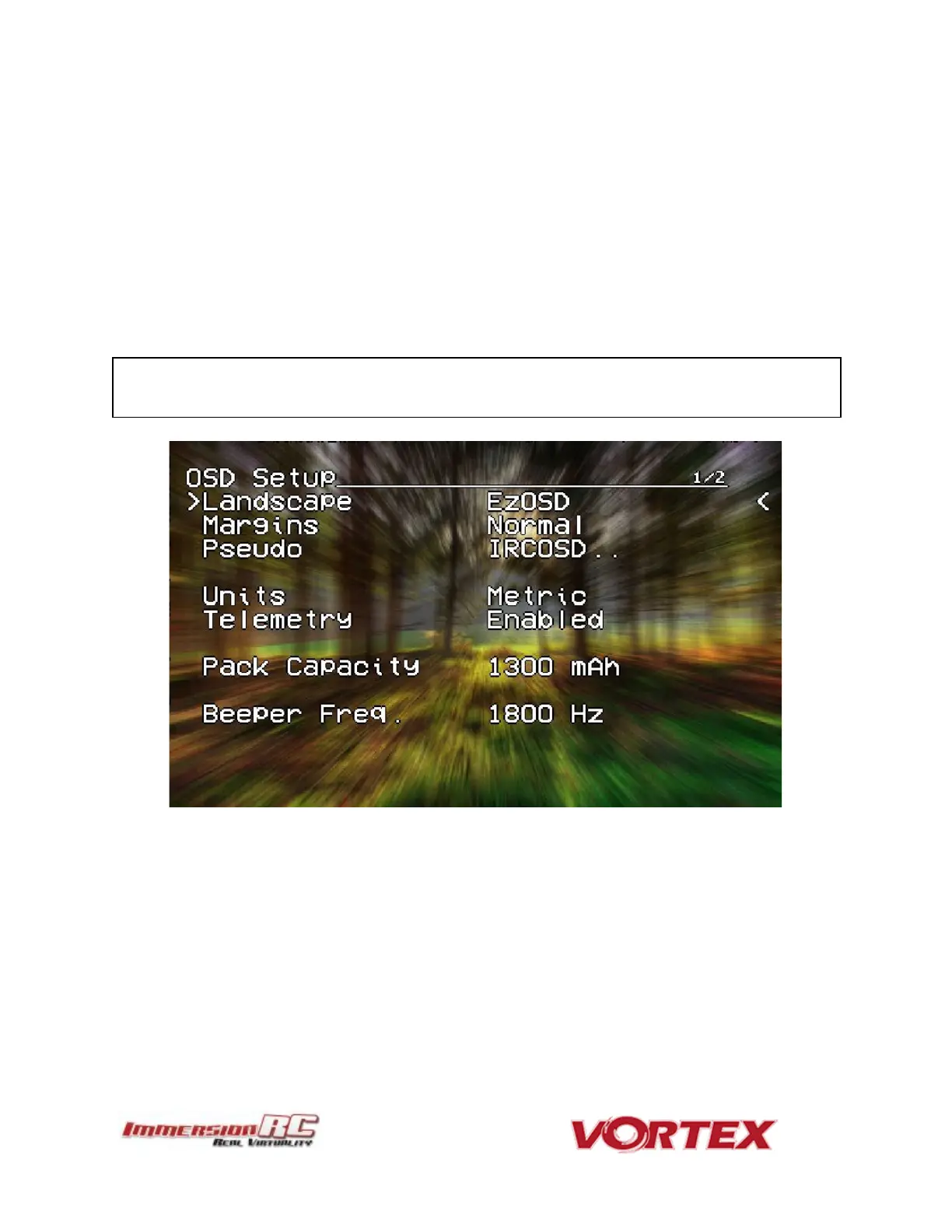
Various OSD setup parameters are available in this menu.
The Landscape, defines the elements that are shown on the main screen in flight, including an
EzOSD-type landscape (the default), a clutter-free landscape for hardcore racers, and a
gaming mode which is currently in Beta form (documented later in this manual).
The Pseudo lets you name your quad. This is useful when several Vortexes are being used in
a race, and simplifies Video Tx channel assignments.
The Pack Capacity should be set to the capacity of your flight battery. The OSD will track
battery consumption, and will warn, with screen-center alarms, if it gets critical.
NOTE: It is highly recommended to set this to match the flight pack that you are using to
allow the OSD to warn you when the battery is reaching critical levels.



 To Next Page