Flight Controller Firmware Upgrades
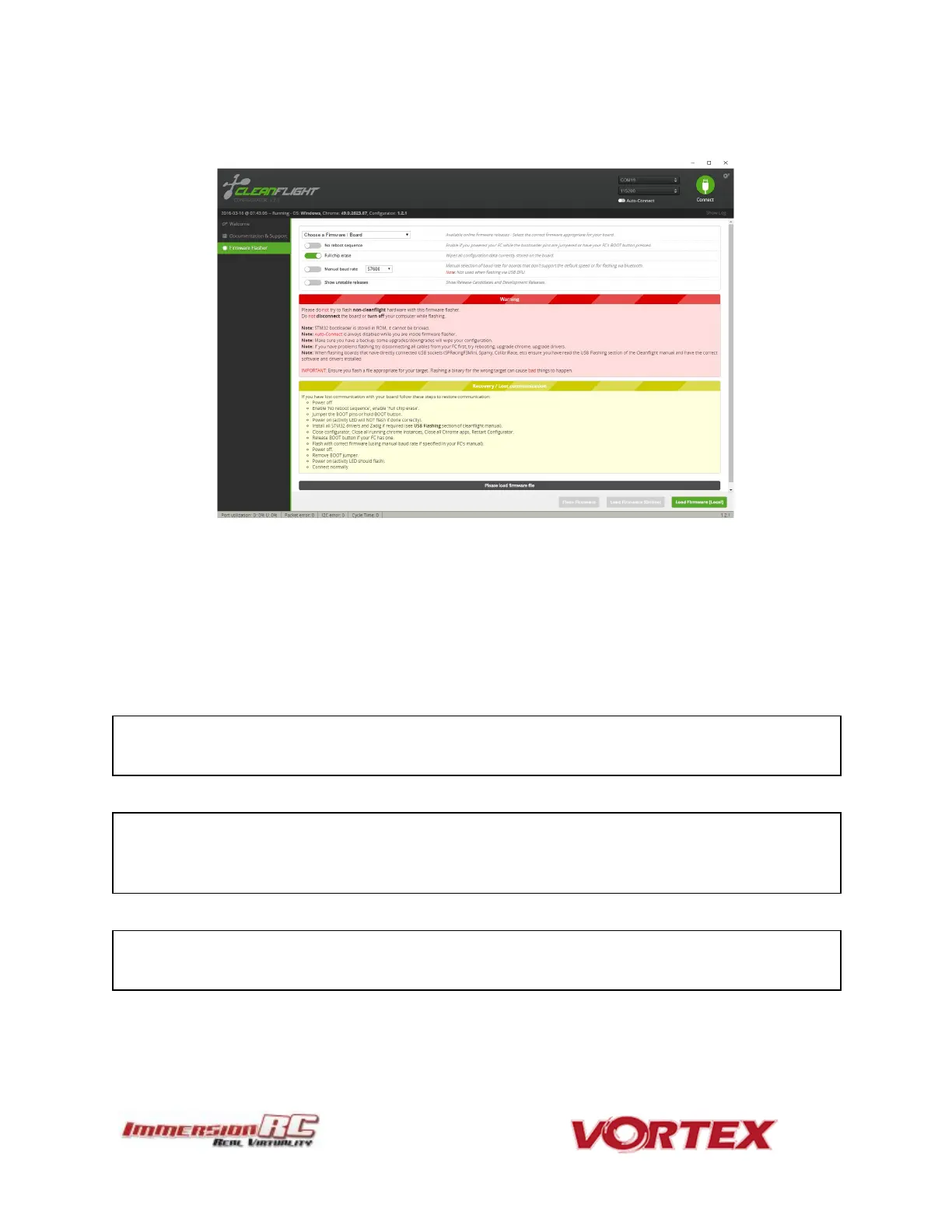
To upgrade the Flight-Controller firmware, use the cleanflight-configurator:
1) Remove all Props!
2) Connect the Vortex to any PC/Mac/Linux machine which supports the Cleanflight
Configurator
3) Plug Lipo
4) Wait 10 seconds
5) Follow the standard upgrade instructions for Cleanflight (IRCFUSIONF3)
NOTE: Sometimes it may need few attempts before it starts flashing, so keep trying few
times if upgrade does not start
NOTE: Upgrading Cleanflight to a version not supported by the OSD firmware can easily
result in the OSD not functioning. Please refer to the Vortex product page on the
ImmersionRC website for compatibility information.
NOTE: When Vortex will detect a new flight-controller version, it will automatically restart
in TX Wizard mode.



 To Next Page