Firmware Upgrades
Both the OSD, and the Flight Controller, are updated using the USB port on the rear of the
Vortex.
Prior to any upgrade, please remove all Props!. If for any reason the props spin up during a
firmware upgrade, serious damage to persons and/or property is very likely.
If your Vortex is not recognized as a valid USB device when you plug it in your PC, you will
have to install a driver first. You can download it from here: CP210x USB to UART Bridge VCP
Driver
To update the OSD and Flight Controller you will need to install two chrome applications:
1. vortex-configurator
2. Cleanflight-configurator
OSD Firmware Upgrades
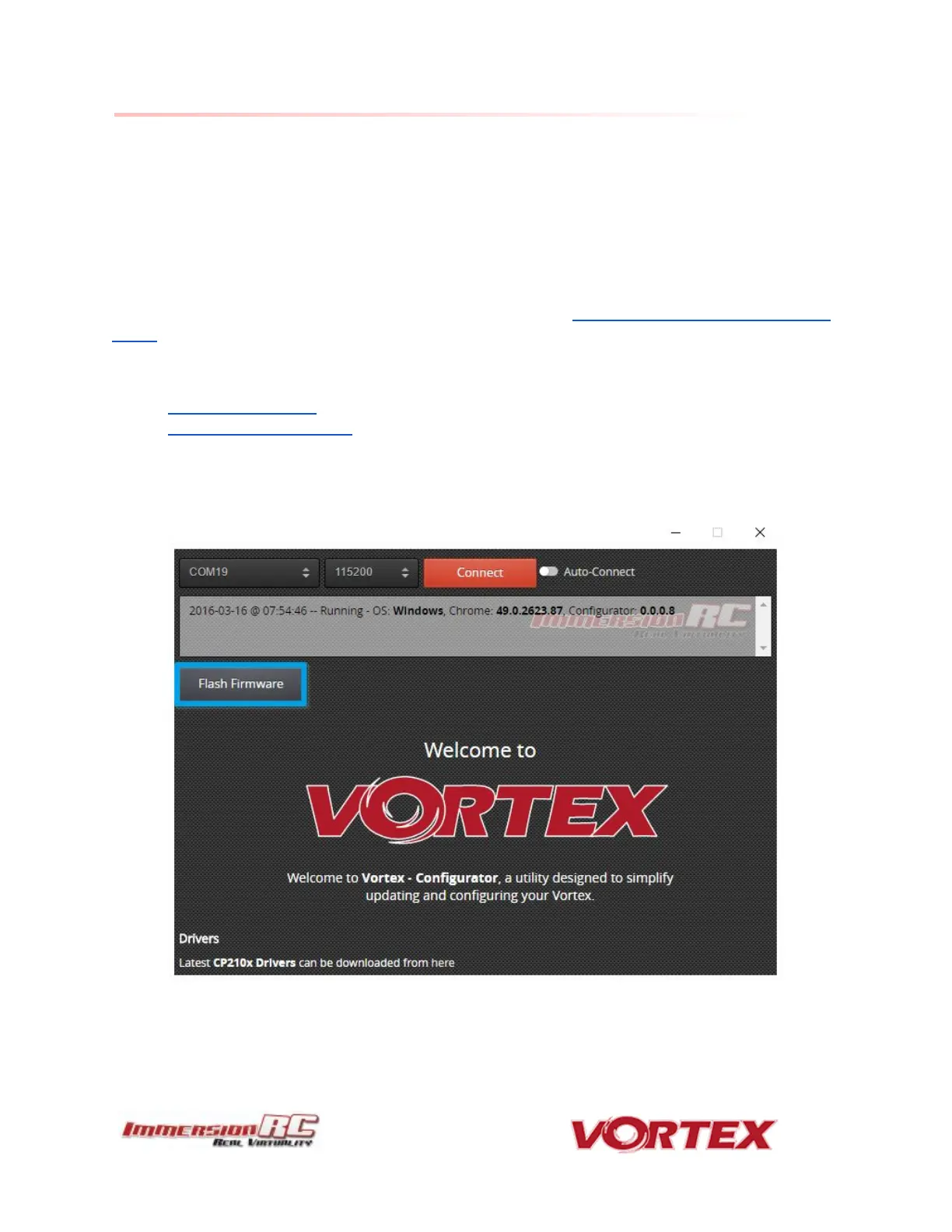
To upgrade the OSD, use the new vortex-configurator chrome app.
Upgrade procedure
1) Connect a Lipo.



 To Next Page